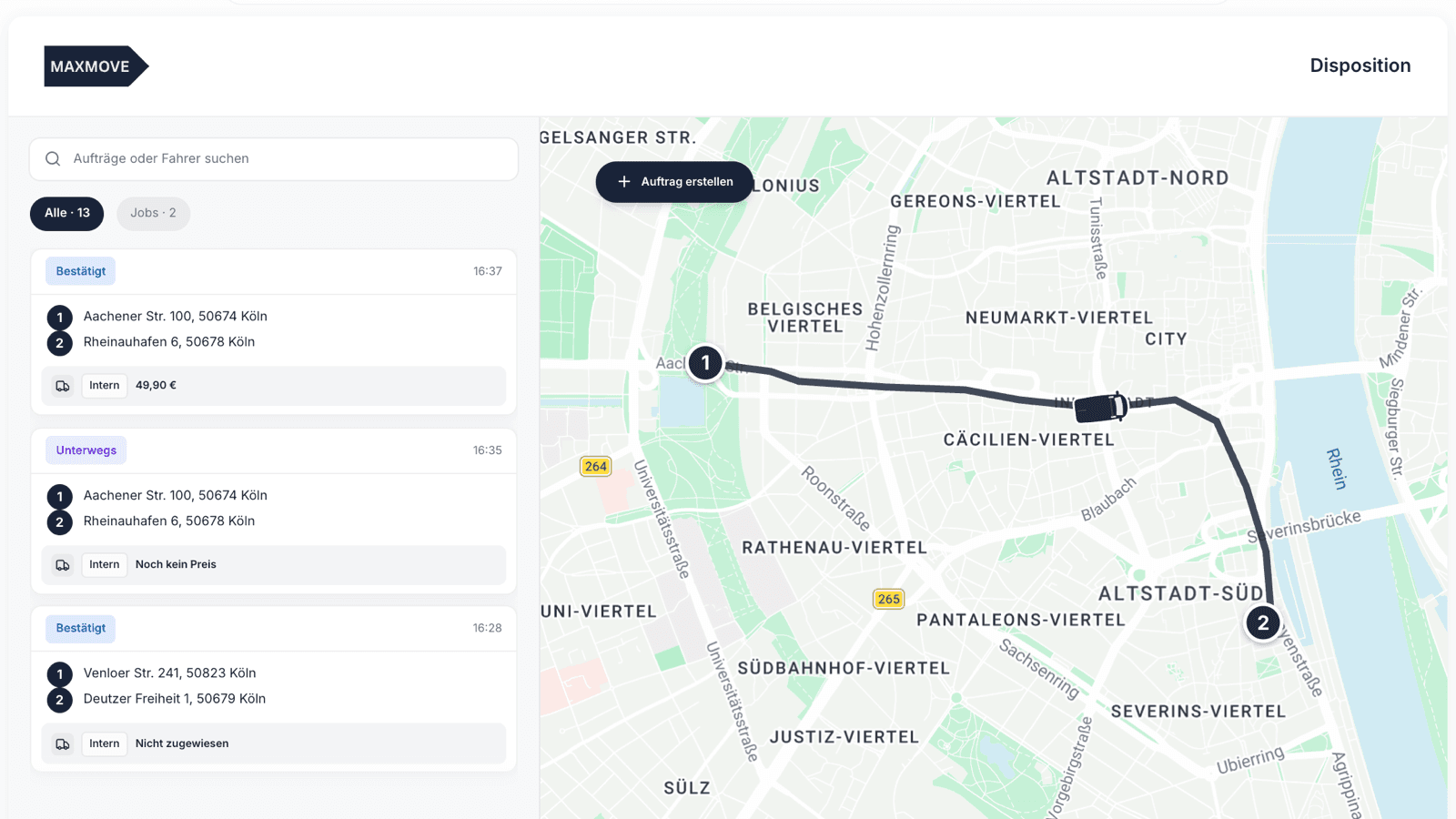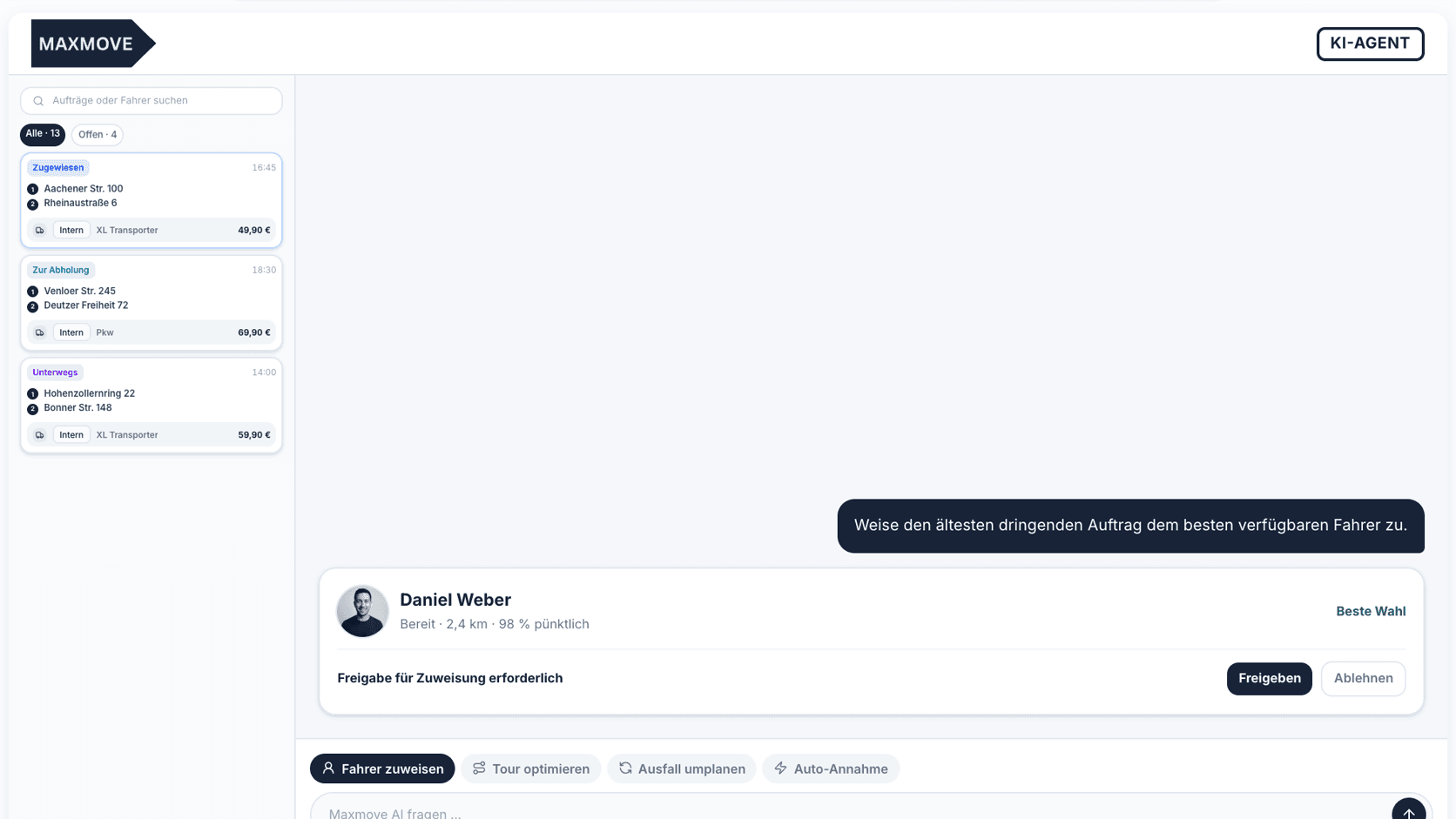


When a route has to change on the same day, dispatch should not just squeeze one more stop "somewhere in the middle". The short answer: first check which order can really move, then update driver instructions, vehicle fit, time windows, customer communication and proof requirements on the same order. Otherwise the driver follows an old plan, tracking explains a different story to the recipient, and the proof of delivery no longer matches what actually happened.
For fleet dispatchers, the key rule is simple: a route change is complete only when everyone involved sees the same new state or has consciously confirmed it. A phone call alone is not enough.
When a route should really change
Not every spontaneous request belongs inside an active route. Sometimes a separate direct run is cleaner, sometimes the order needs to move to tomorrow, and sometimes another driver is the better decision.
Common same-shift route changes include:
- an additional pickup stop sits close to the active route
- a recipient time window gets tighter or disappears
- a driver reports traffic, a breakdown, illness or loading delay
- a customer asks for an urgent return pickup
- goods are not ready at the original stop
- an order suddenly needs a different proof, such as photo or signature
The operating mistake happens when dispatch looks only at distance. A route can fit geographically and still fail because the time window, vehicle capacity or proof workflow no longer works.
The dispatch question in one sentence
Ask this before every change:
Can the new plan be executed, explained and evidenced without drivers, customers or billing later working from a second version of the truth?
If the answer is no, the change is not ready. Data or a conscious decision is still missing.
| Checkpoint | Clear before the change | Why it matters |
|---|---|---|
| Driver | Does the driver see the new sequence and changed notes? | Otherwise they drive from memory or a phone note. |
| Vehicle | Do the added goods still fit the loading area, payload and access? | A short detour does not help if the shipment cannot be loaded. |
| Time window | Which stops become early, on time or late? | One new stop can break two existing promises. |
| Tracking | What does the customer or recipient see after the change? | Tracking should not explain the old workflow. |
| Proof | Which photos, signatures or comments does the driver now need? | Completion evidence must fit the new execution. |
| Exception path | Who decides when the driver reports a problem on site? | Without escalation, teams create chat history instead of order clarity. |
Market signal: good systems do not separate replanning from proof
Market providers show the expectation that has formed around fleet and last-mile operations. OptimoRoute describes inserting last-minute orders, changing stop sequences and replanning when a driver calls in sick. Onfleet brings dispatch, tracking and proof of completion into one platform. Cargoboard describes Carrier Central for transport requests and orders, including tracking requirements and proof-of-delivery upload.
These are market observations, not Maxmove service promises. The practical lesson is still useful: a plan change should not become its own communication channel. It has to flow back into status, driver execution, tracking and proof.
The 5-minute dispatch check
During a shift, nobody needs a long process workshop. This short check often does the job:
- Identify the order. Which order ID, customer reference and stops are affected?
- Check the impact. Which existing promise changes because of the new stop?
- Get driver confirmation. Has the driver actually seen the new order or sequence?
- Update customer communication. Does anyone need a new time window, tracking link or delay notice?
- Adjust the proof workflow. Does the driver need different photos, signatures, return notes or damage comments?
If one of these points stays open, the change should not silently slide into the route. It is either a clarification item or a separate order.
What should be updated on the order
The order is the source of truth. Not the chat group, not the printed route plan, not the driver's memory.
For a route change, at least these details belong on the order:
- new stop sequence or changed destination stop
- time window, tolerance or new deadline
- changed contacts and receiving instructions
- shipment data when additional goods are added
- driver or subcontractor assignment
- status if a stop has already been reached or skipped
- proof type: photo, name, signature, comment or damage photo
Maxmove fleets can create internal orders with pickup, drop-off and stop-level instructions, vehicle type, time window and handling notes. The help guide on internal fleet orders describes these basics; the dispatch standards emphasize accurate driver availability, route clarity and live status updates.
Tracking: different people need different information
Tracking is not just a map. It answers different questions for different people:
| Person | Mainly needs | Does not need |
|---|---|---|
| Driver | new sequence, notes, contact, proof task | customer debate about internal dispatch reasons |
| Dispatch | current status, deviation, exception, arrival time | every single driver movement as permanent monitoring |
| Customer | realistic time window and execution status | internal driver changes when the service stays the same |
| Recipient | arrival window, driver or handover info when available | the full dispatch plan |
| Billing | reference, service, waiting time, proof | chat notes without order context |
For Maxmove deliveries, tracking pages show current status, position and ETA when tracking is available. The developer documentation recommends polling tracking snapshots only where a person is actively looking at a map or ETA, and using webhooks for status changes. One fleet-specific boundary matters: internal Fleet Orders are read through the Fleet Order endpoint; they do not send Delivery webhooks. That limit belongs in every integration plan so teams do not wait for the wrong signal.
Proof of delivery should not be improvised afterwards
Proof of delivery is often treated as the last step. For route changes, that is too late. When a stop is moved, added or handed to another driver, proof requirements need to be clear too.
Before the start or before the change, dispatch should know:
- photo of the goods, drop-off point or damage?
- recipient name and signature?
- comment for delivery under reservation?
- return or exchange note?
- pallet exchange, package count or shortage?
- assignment to the right order and stop?
The Maxmove help article on on-time performance for time windows shows why exact arrival and stop data matter: reports depend on the assignment and time window that applied at arrival. Proof follows the same logic. Evidence must match the actual order step, not an old plan.
Three decisions beat endless phone calls
Many dispatch problems look complex but reduce to three decisions.
1. Insert
A new stop is added to the active route. This fits when capacity, time windows and proof workflow remain stable. The driver receives the new sequence and confirms it.
2. Reassign
The order moves to another driver or subcontractor. This fits when the new executor sees all order data, instructions and proof rules. The old assignment must be cleanly ended or replaced.
3. Split
The order becomes a separate direct run, a later route or a new slot. This is right when the added stop would break existing promises or the goods need a different vehicle.
These three words help shift communication: insert, reassign, split. "Just do it quickly" pushes the real decision onto the driver.
What Maxmove does in this workflow
Maxmove is the operating layer where order, driver assignment, status, tracking and proof come together. For single transports, the workflow can start through booking. For recurring fleet processes, Maxmove TMS, internal orders, driver assignments, time-window reporting and digital proof help teams keep plan changes inside the system.
The boundary still matters: Maxmove does not replace dispatch responsibility. If a route change makes the order operationally impossible, the team needs to change the promise or reject the change. Software cannot turn an impossible time window into an on-time delivery.
Checklist for the next route change
- Affected order ID and customer reference are clear.
- New stop or new sequence is captured on the order.
- Driver sees and confirms the change.
- Vehicle capacity and loading access still fit.
- Time windows and tolerance were re-evaluated.
- Customer or recipient receives a realistic status update.
- Tracking explains the new workflow, not the old one.
- Proof type is clear for each stop.
- Exception path for damage, failed delivery and waiting time is known.
- Billing can audit the change through the same reference.
If your team still saves route changes through phone calls, chat and paper plans, start with one rule: no change without an updated order. From there it becomes clear which processes belong in Maxmove TMS and which exception is better planned as a separate transport.