

Everything in one view
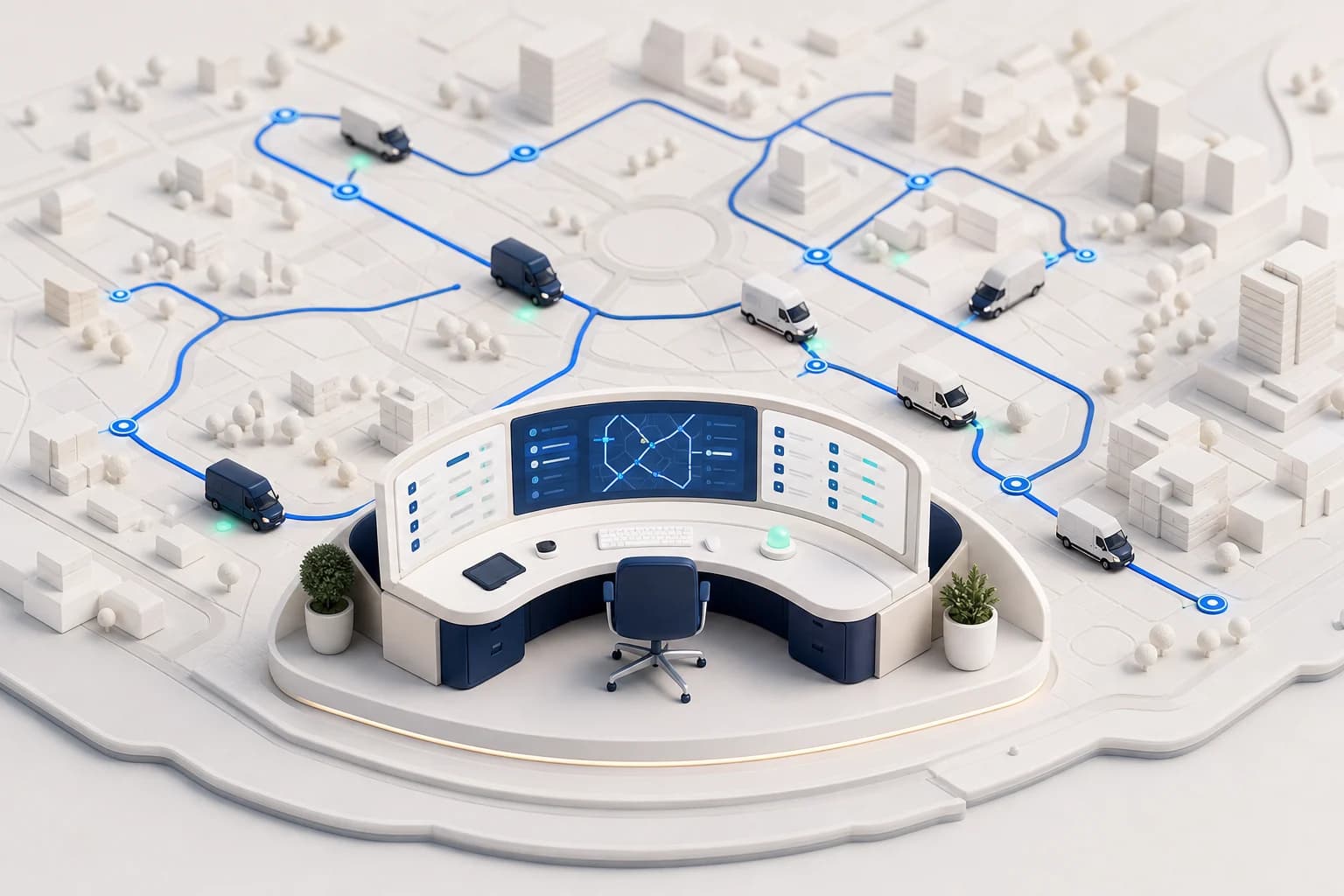
Open orders, available drivers, and vehicles live side by side – no notes, no shouted dispatch.
 Dispatch
Dispatch software helps dispatchers distribute transport orders across drivers and vehicles. Instead of shouting across the office, phone calls, and spreadsheets, it shows live which driver is available, where they are, and which vehicle fits the order – and records every decision traceably.
Maxmove takes dispatch a step further: the board shows orders, drivers, and vehicles on a live map, and the AI dispatch assistant prioritises urgent orders and suggests suitable drivers – you approve. The assignment lands in the driver app instantly, and status flows back automatically.
Open orders, available drivers, and vehicles live side by side – no notes, no shouted dispatch.
Suitable drivers and vehicles are suggested; assigning is one click instead of three phone calls.
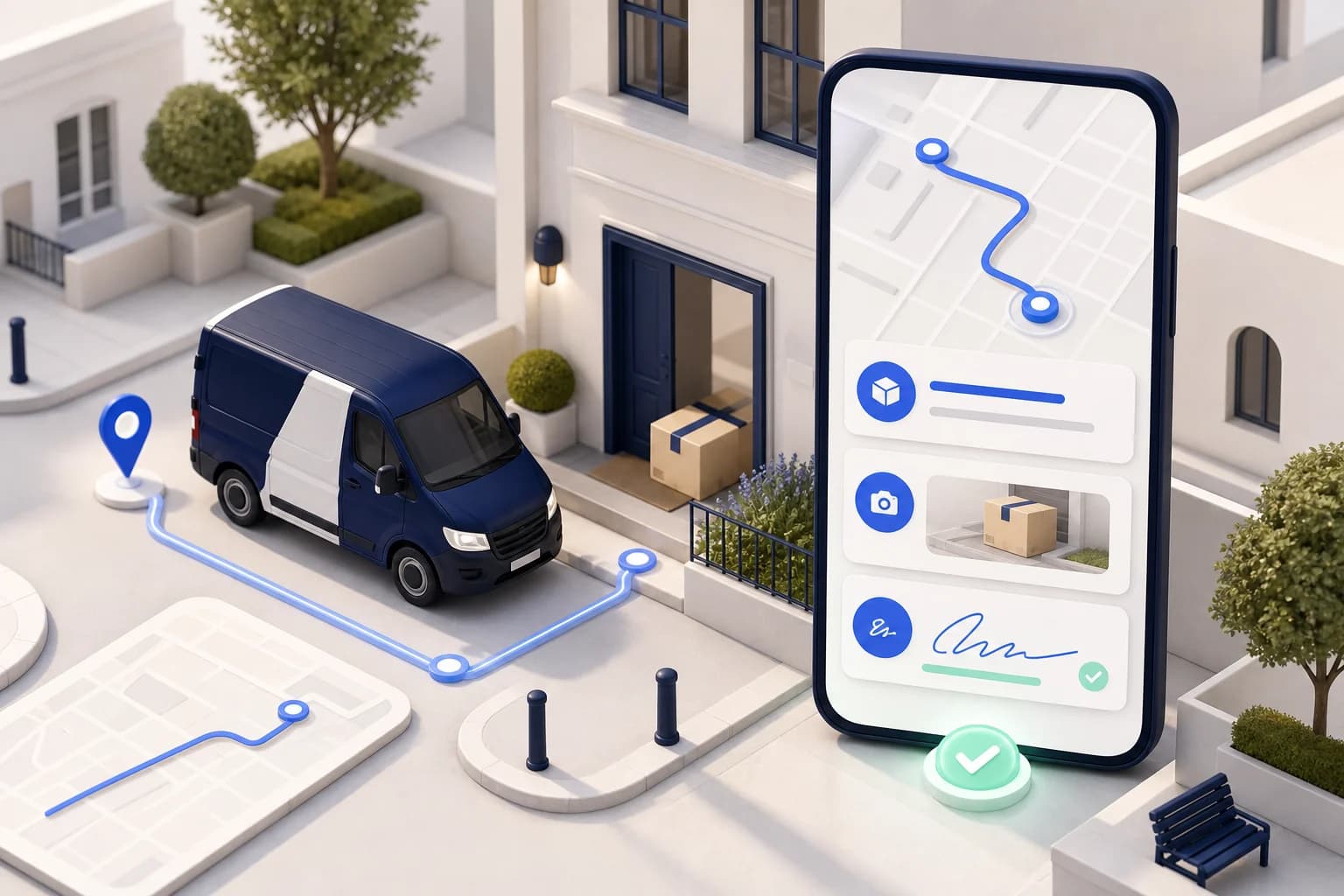
Status, location, and proof of delivery come back automatically – nobody has to chase updates.
Breakdown or urgent order? Re-plan in seconds – everyone sees the new state immediately.
Orders, drivers, and vehicles in one view with a live map – on desktop and mobile.
AI prioritises urgent orders and ranks suitable drivers – you keep the approval.
Payload, vehicle class, and equipment are checked before an order is assigned.
Dispatch single orders or whole tours – optimisation handles the stop order.
Assignments appear in the app instantly; acceptance, approach, and delivery report themselves.
Every assignment, status change, and delivery with time and GPS stamp in the activity timeline.
Web, booking page, email, or API – every order lands on the same board.
Assign yourself or approve AI suggestions – per order or in batches.
Status, location, and proof of delivery come back to the board in real time.
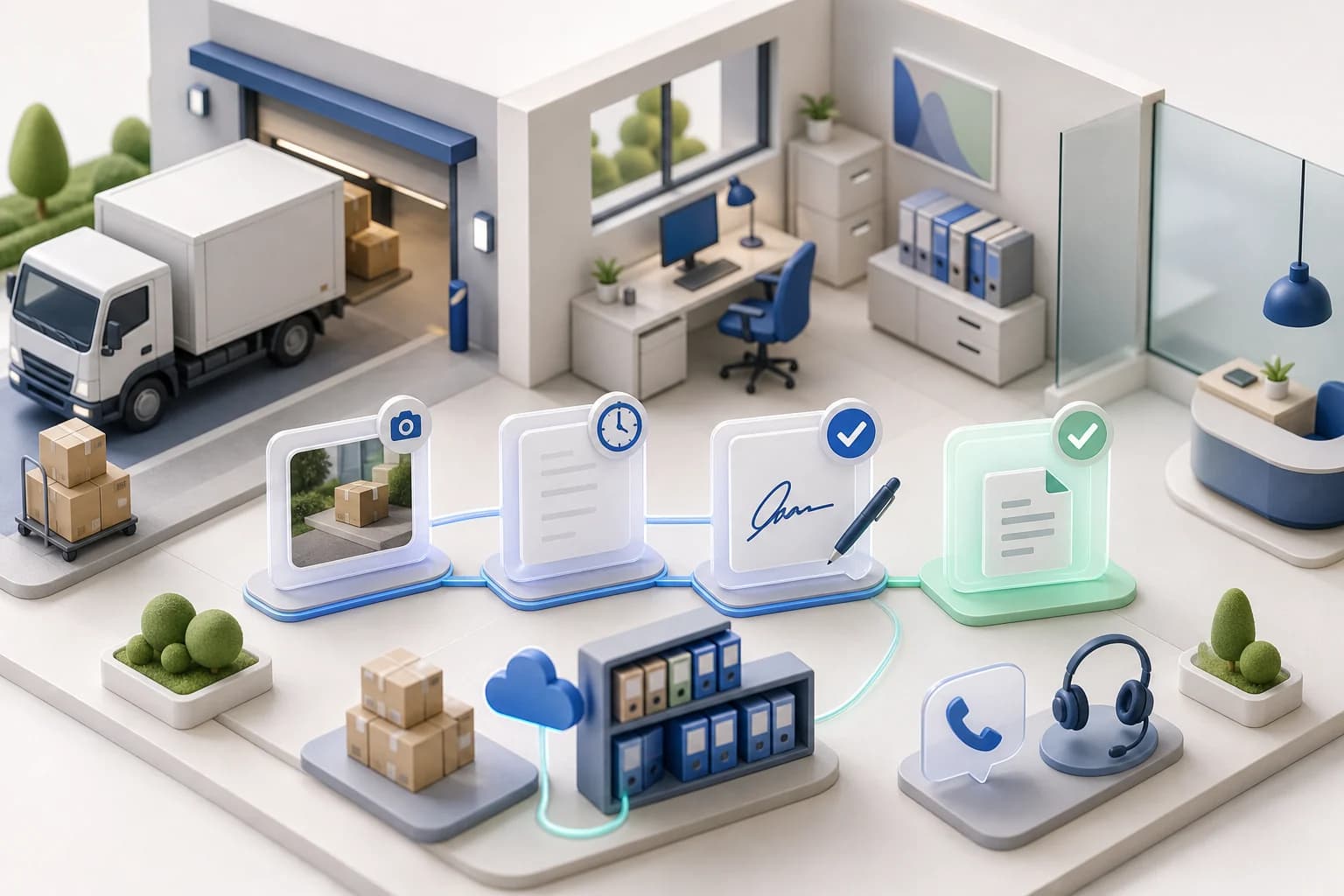
From signature to blockchain verification: The digital delivery note captures every proof digitally — tamper-evident and instantly shareable.

Manage vehicles, drivers, documents, licences, inspections, deadlines, and compliance requirements centrally.
Learn moreOperate multiple dispatchers, teams, and locations with suitable roles, access, and responsibilities.
Learn moreDocument damage with photos and notes, process it centrally, and assign it to the correct vehicle or order.
Learn moreOnline booking with your branding, live prices, extras, and direct handoff into dispatch.
Learn more13:3513 July 2026 Car59,81 €
 XL Van69,73 €
 Small Van71,94 €13:3113 July 2026
 7.5t Lorry128,40 €Small Van46,20 €XL Van92,05 €
Orders, live tracking, documents, proof, and communication for customers in one place.
Learn moreAccount: Company or customer for ownership, reporting and billing.
Manage customers, contacts, locations, activities, and the complete transport history centrally.
Learn moreDecide which vehicle services your fleet offers for internal orders, booking pages and linked customers.
CarTransportTariff set up2 of 5 extra services activeOfferedSmall VanTransportTariff set up4 of 5 extra services activeOfferedXL VanTransportTariff set up3 of 5 extra services activeOffered7.5t LorryTransportTariff set up1 of 5 extra services activeOfferedDefine your own tariffs, price lists, terms, and extras per customer or customer group.
Learn moreCreate and process invoices, e-invoices, credit notes, payouts, and associated documents automatically.
Learn moreDocument business records completely and traceably in line with GoBD and e-invoicing requirements.
Learn moreDigital delivery notes, invoices, credit notes, and proof stay searchable and connected to the correct transaction.
Learn moreIndividual feature availability may depend on the selected plan, region, account type, and agreed rollout.

 Shopware
Choose a role
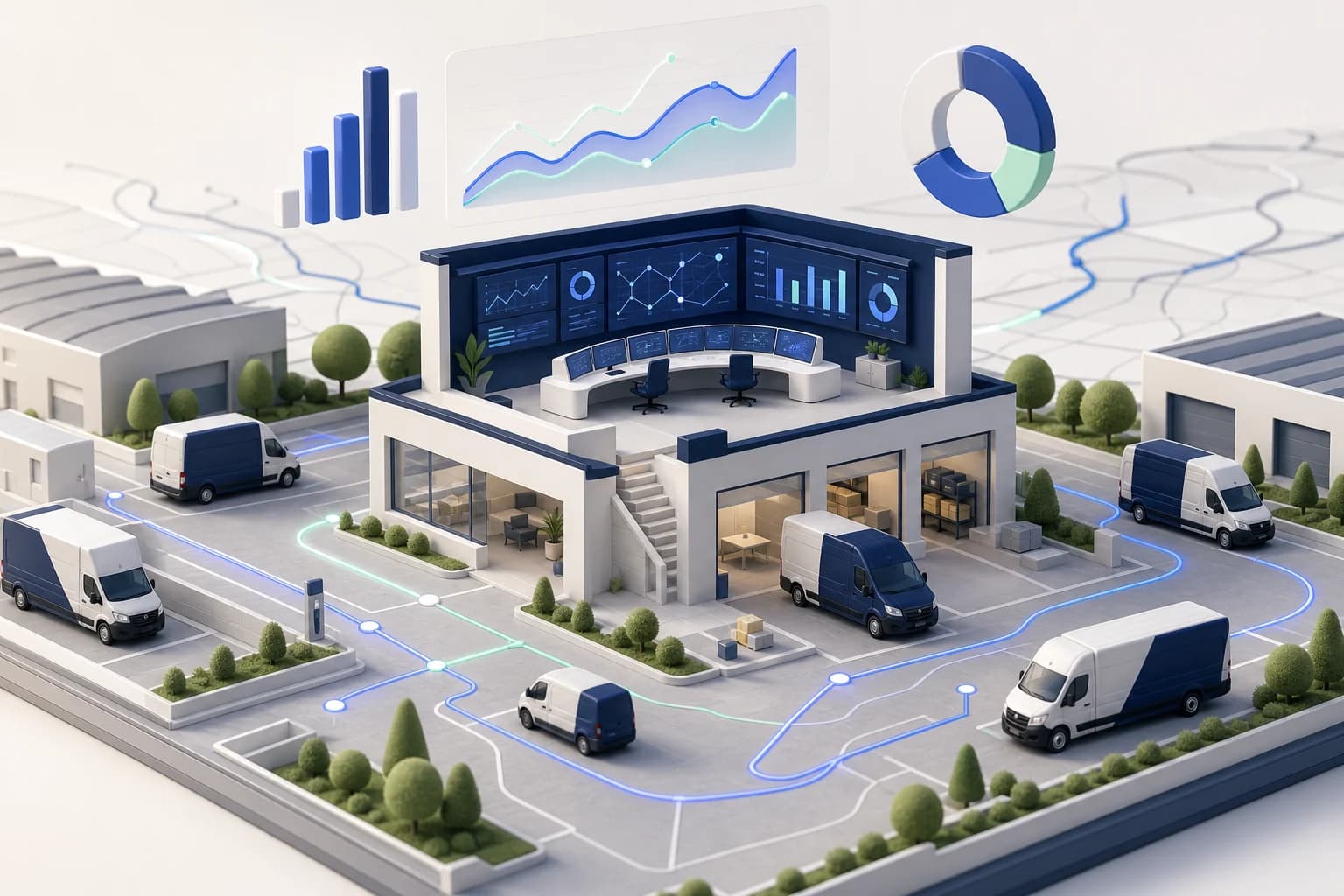
Utilization, revenue and running costs per vehicle and driver — live, not in a month-old export.
Automated dispatch and billing-ready records let you add vehicles without adding back-office staff.
30% Cost Reduction
Reduce empty miles, optimize routes, and cut administrative overhead.
Start in Days
Simple setup with guided onboarding. No complex implementation projects.
Scales With You
From 1 vehicle to 100+. Our platform grows with your business.
Maxmove TMS replaces the toolbox of Excel, WhatsApp, and paper slips with one system – built for courier services, van fleets, and small freight forwarders.
Start for free and dispatch your fleet from one view starting tomorrow.
