
Technical requirements
These upload rules are loaded directly from the active Banner Program.
- Accepted image formats: JPG, PNG, WebP, GIF
- Maximum file size: 5 MB
- Due by day 5 of the following month, followed by 3 calendar days of grace
Apply once for the Maxmove Banner Program. After approval, submit photo proof for each participating vehicle month.
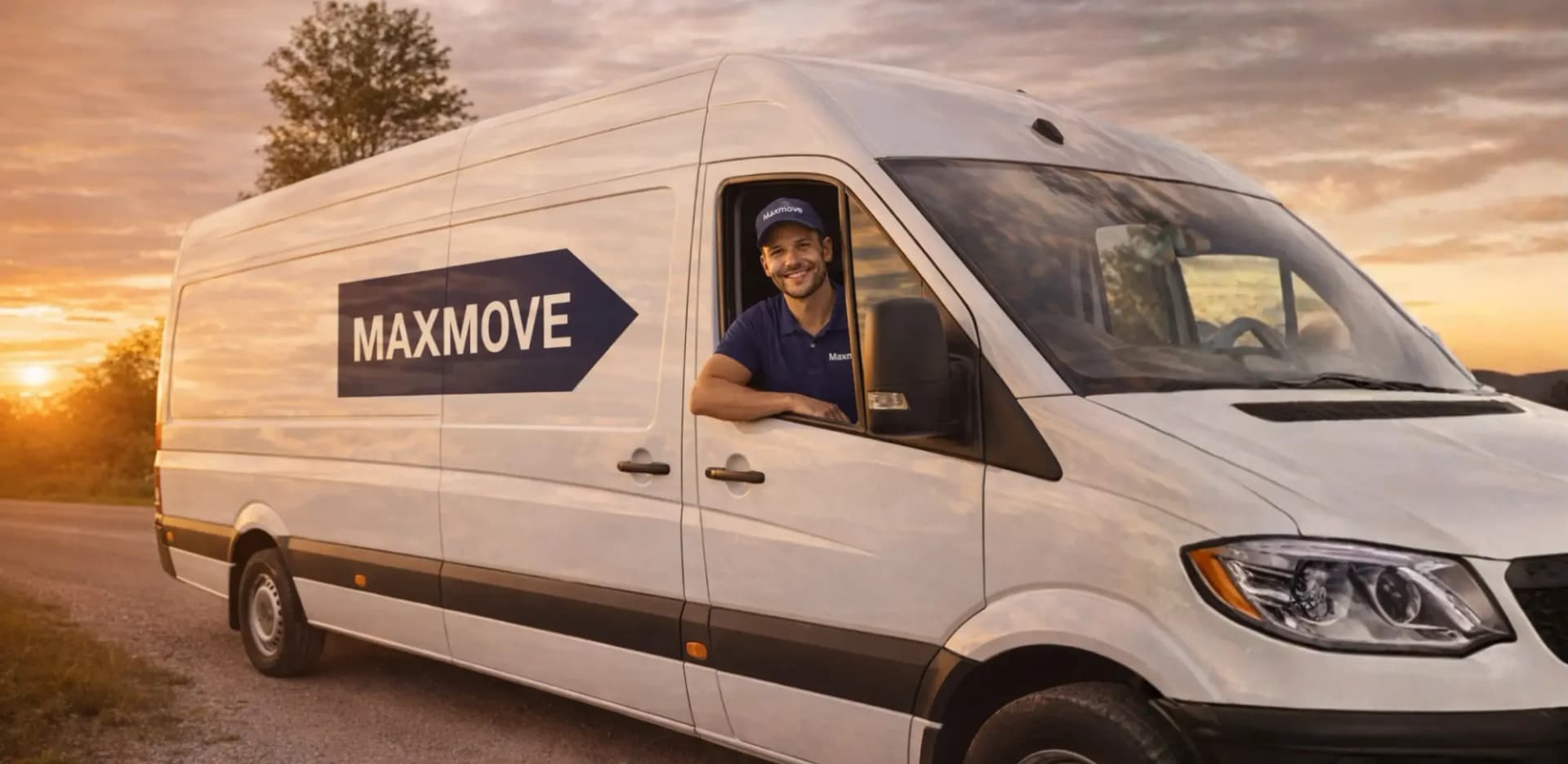
€50 per approved vehicle month
Processing: manual processing after approval.
Open the Banner Program and confirm the rules for monthly proof.
The Maxmove team reviews your application and updates you on its status.
Place the Maxmove banner where it is clearly visible on the approved vehicle.
Choose the vehicle month, upload the photo proof, and follow its review in your workspace.
These upload rules are loaded directly from the active Banner Program.
After approval, each submitted vehicle month is shown as pending, approved, rejected, or overdue.
Reward per approved proof
€50
For each approved vehicle-month proof. Processing: manual processing after approval.
After approval, participation continues while the programme conditions are met.
Pending, approved, rejected, or paused always remains visible in your workspace.
Current and previous photos and their review statuses stay together in one place.
Fleets select the assigned vehicle and submit proof according to their upload policy.
Open the Banner Program in the right workspace and submit your application through the existing flow.