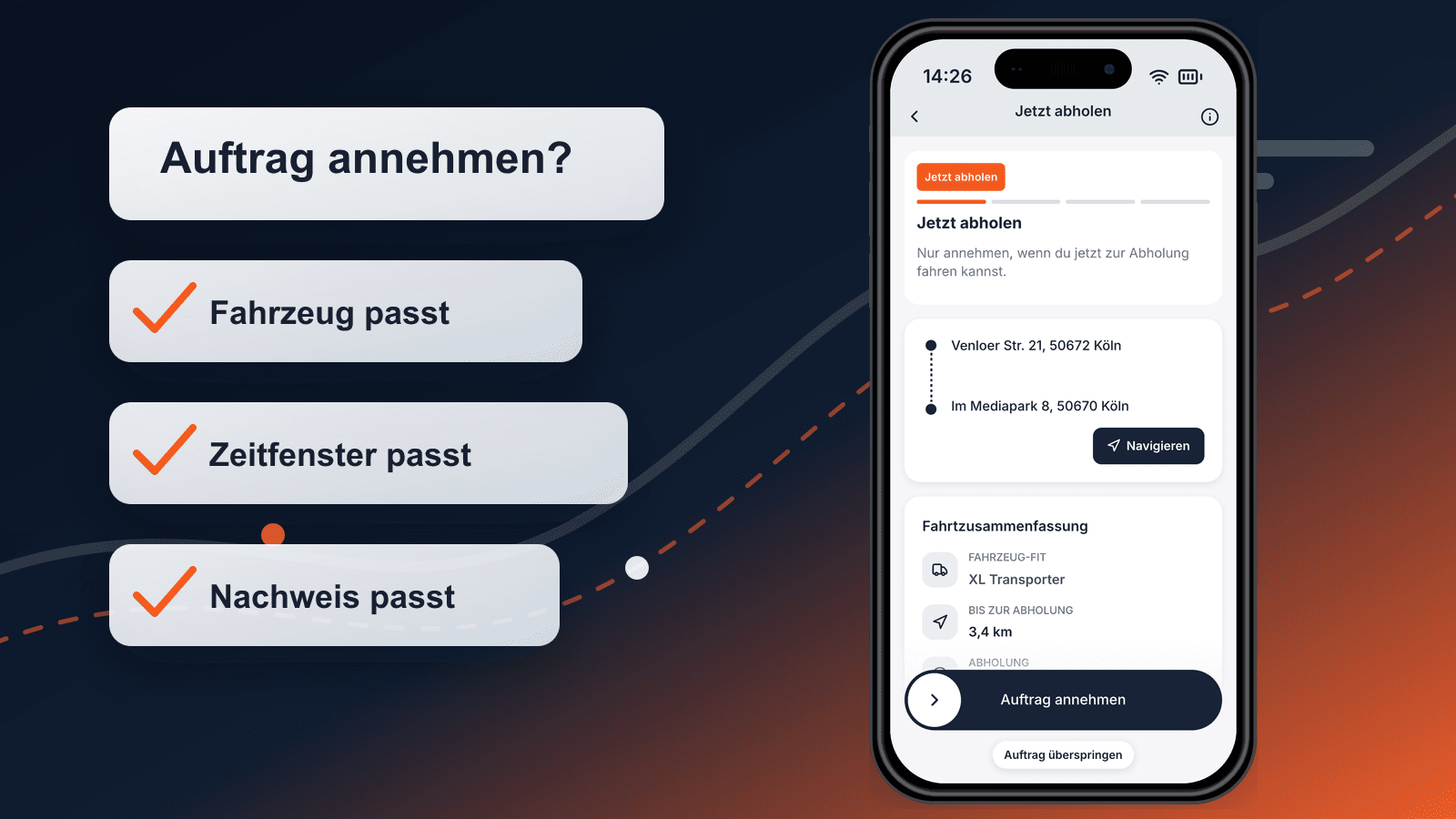

A driver is not ready just because they are available. A vehicle is not ready just because it is parked at the depot. Before dispatch, five things need to line up: driver status, vehicle status, shipment profile, time window, and proof workflow.
For courier companies, small fleets, and business workspaces, this is the practical answer to: What must be checked before a job is assigned to a driver or vehicle? Not every check is a Maxmove feature, and not every legal obligation can be solved inside a dispatch view. But a job should not start until the operational signals are clear.
The Short Dispatch Rule
A job is dispatch-ready when these points are clear before departure:
| Area | Must be clear before departure | If it is not clear |
|---|---|---|
| Driver | Activation, role, workspace assignment, reachability | Block the job or choose another driver |
| Vehicle | Vehicle class, loading dimensions, payload, insurance and inspection status | Change vehicle or re-plan the transport |
| Shipment | Weight, volume, packing status, loading help, value or damage risk | Have pickup prepared first |
| Time | Pickup readiness, loading time, receiver window, breaks and callbacks | Adjust the time window; do not make a tight promise |
| Proof | Status, photo, signature, damage note, return or exchange comment | Set the proof requirement in the job |
This is not paperwork for its own sake. It prevents the driver from waiting at the gate, the goods from being impossible to load, or the team from searching later for evidence of what actually happened.
Driver Status: Active Is Not Always Enough
Drivers are often assigned from habit: "They always run this route." That is exactly where gaps appear. Before assignment, dispatch should see whether the driver is active in the right workspace, which role they are driving in, and whether any open onboarding or document step blocks the job.
For independent drivers, activation includes profile, driver's license, identity document, default vehicle, and depending on status additional paperwork. For fleet drivers, the fleet assignment also matters: has the fleet accepted the link, and is the driver available for fleet-dispatched work? Maxmove documents this distinction in Complete onboarding and document checks and Check fleet assignment status.
The boundary matters: app activation does not automatically replace the vehicle keeper's legal duties. In Germany, companies that let employees use vehicles must verify that a valid driving licence exists. Section 21 of the German Road Traffic Act makes it an offence to allow someone to drive without the required licence. Maxmove offers a driver's license check template for documentation; if legal automation is the main need, specialist electronic-check providers may be the better tool.
Vehicle Status: Not Just "Sprinter Available"
The most common dispatch mistake is an overly broad vehicle field. "Sprinter" says little if weight, internal dimensions, loading height, tie-down points, tail lift, or insurance do not fit.
Before assignment, at least these data points should be checked:
- Vehicle class: car, estate car, van, Sprinter, truck, or specialist vehicle.
- Payload and volume: actual shipment weight plus packaging, not only a rough goods type.
- Loading access: ramp, forklift, tail lift, hand truck, carrying help.
- Vehicle documents: registration, insurance, roadworthiness inspection, and operational inspection records where relevant.
- Operating limit: no dangerous goods, cooling, heavy-load, or two-person promise without the matching process.
For commercially used vehicles in Germany, annual occupational safety inspection under DGUV Regulation 70 and daily visual or functional checks are not decorative details. Maxmove provides a UVV inspection template and a departure check checklist. In dispatch, the consequence is simple: a vehicle with an open critical issue should not be assigned just because the route would otherwise be inconvenient.
Shipment Profile: The Goods Decide Too
One driver-vehicle pair can be perfect for one job and useless for the next. A light box fits almost anywhere. A washing machine, packed sofa, pallet shipment, or sensitive spare part needs different data.
Before dispatch, the order should answer:
- How many items are there?
- How large and heavy is the heaviest single item?
- Are the goods packed, accessible, and truly ready for pickup?
- Does anything need to be carried, exchanged, returned, or installed?
- Does the receiver need notice, a time window, or special acceptance instructions?
These fields matter more than a long free-text note. They decide whether the job should run as a direct drive, multi-stop route, return pickup, two-person handling, or later scheduled transport.
Time Windows: Readiness Beats Wish Time
Many jobs fail before the driving begins. The goods are not packed, the contact person is on break, the ramp is blocked, or the receiver closes at 4 p.m.
A useful dispatch check separates three times:
- Requested time: when would the customer like it?
- Pickup readiness: when will the goods actually be ready?
- Operational window: when can driver, vehicle, and receiver realistically line up?
This distinction is especially important for same-day and B2B direct deliveries. If pickup is ready only at 2:30 p.m. and the receiver closes at 4 p.m., a free driver at 2 p.m. is not the solution. The job needs a different promise, a different route, or an explicit escalation.
Proof Workflow: Decide Before You Need It
Proof is not an attachment after delivery. It determines which information the driver needs to capture on the road.
Before departure, clarify whether the job needs:
- status such as picked up, on the way, delivered, or failed;
- a photo of the goods, packaging, drop-off point, or damage;
- receiver name and signature;
- a note about shortage, pallet exchange, return, or acceptance under reservation;
- timestamp, location context, and assignment to the specific job.
In Maxmove, order, driver app, tracking, and digital proof belong together. That reduces later phone chains because shop, dispatch, and support see the same order state. For damage or liability cases, the evidence chain still matters; Maxmove's damage report template and liability notice template help structure the follow-up.
When a Job Should Be Blocked
Not every red signal means "never drive." Some signals mean "clarify first."
| Signal | Decision |
|---|---|
| Driver not activated or wrong workspace | Do not dispatch |
| Licence or identity verification open | Do not dispatch until status is clear |
| Vehicle class does not fit item dimensions | Change vehicle or recalculate the job |
| Critical vehicle issue open | Block the vehicle; find a replacement |
| Goods not ready for pickup | Move the pickup window |
| Receiver window too narrow | Change the promise or check express feasibility |
| Proof requirement missing for a risky shipment | Complete the job before departure |
| Contact person missing | Request contact details or plan escalation |
The best dispatch is not the fastest assignment. It is the assignment that does not need to be renegotiated on the road.
How Maxmove Structures the Workflow
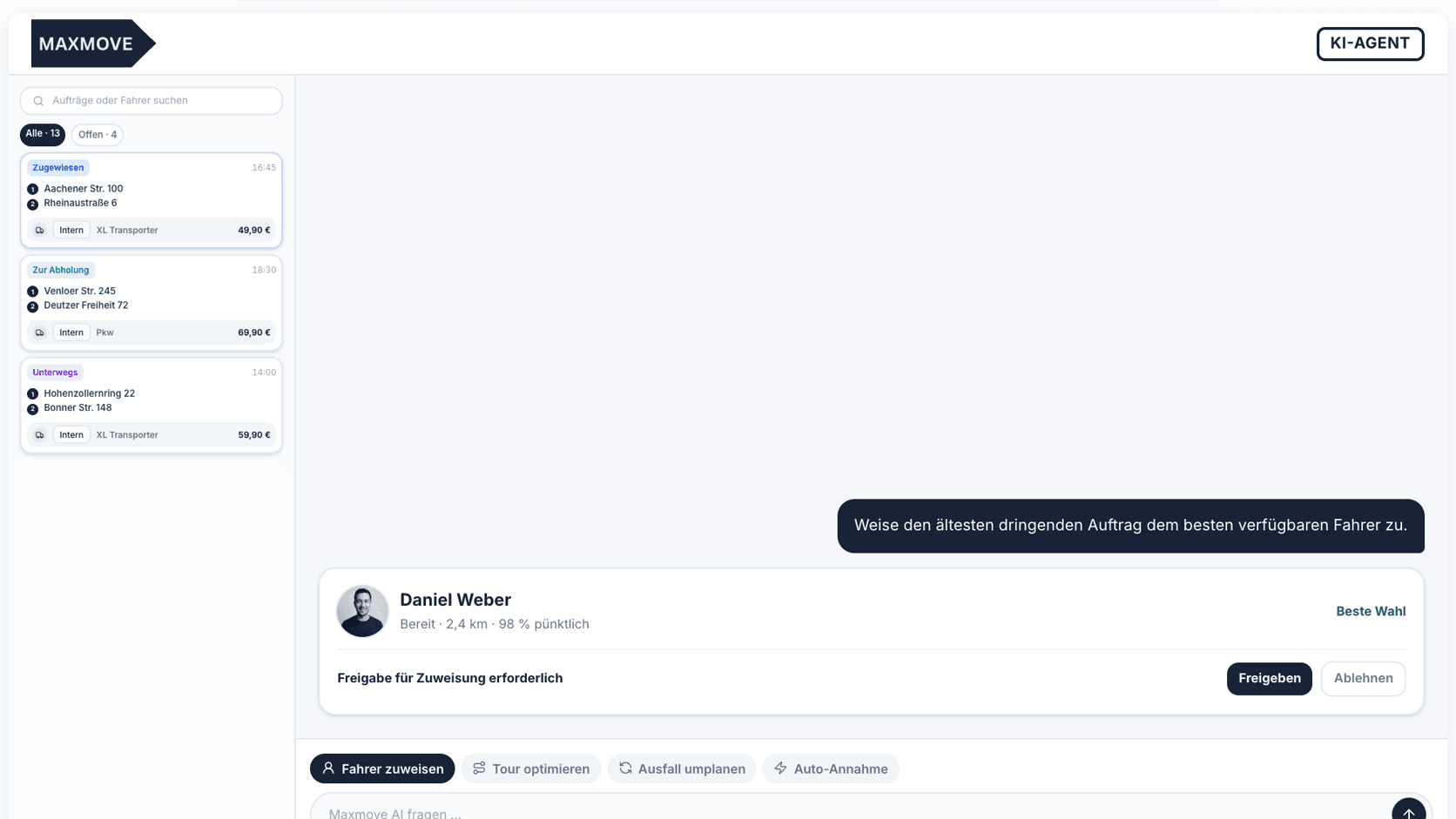
Maxmove is not a replacement for every compliance system a fleet may need. Maxmove is the operational layer where order, driver, vehicle, status, tracking, and proof come together.
That helps especially for:
- courier companies dispatching several drivers and vehicle types;
- business teams coordinating recurring deliveries with preferred drivers or saved destinations;
- fleets that need driver assignment, live map, and order status in one view;
- e-commerce and B2B teams turning shop, warehouse, and support data into a clean transport job.
For recurring workflows, teams should maintain master data and standards: frequent destinations, handover notes, driver preferences, proof requirements, and escalation contacts. Maxmove's help article on managing preferred drivers and destinations describes the calmer part of dispatch: fewer ad hoc messages, more reusable order clarity.
Shift-Handover Mini Checklist
Before a route or shift, a hard, short check is often enough:
- Are all drivers active in today's workspace?
- Does each vehicle have the right class, an active profile, and no known block?
- Have the largest shipments been checked against dimensions, weight, and loading help?
- Are pickup and receiver windows realistic, not just requested?
- Is the required proof clear for every job?
- Is there a contact person wherever the driver should not improvise?
- Are special cases marked: return, exchange, damage, waiting time, second person?
If one of these answers is missing, the order is not "almost ready." It is a callback job.
Takeaway
Dispatch readiness means driver, vehicle, and job fit together before the driver leaves. For small fleets, that is the difference between controlled execution and constant callbacks.
With Maxmove TMS, orders, driver status, vehicle context, live tracking, and digital proof sit in one operational workflow. Specific legal duties such as licence checks or UVV inspections still follow their own rules; in daily dispatch, the key is that open issues are visible before they become expensive on the road.