
Integrate Customer Orders
Create or connect customer orders and dispatch them alongside marketplace capacity.
Connect dispatch, drivers, vehicles and order data in one system and create a reliable workflow for multiple teams and customers.





Create or connect customer orders and dispatch them alongside marketplace capacity.
Organize responsibilities, drivers and vehicles across dispatchers and locations.
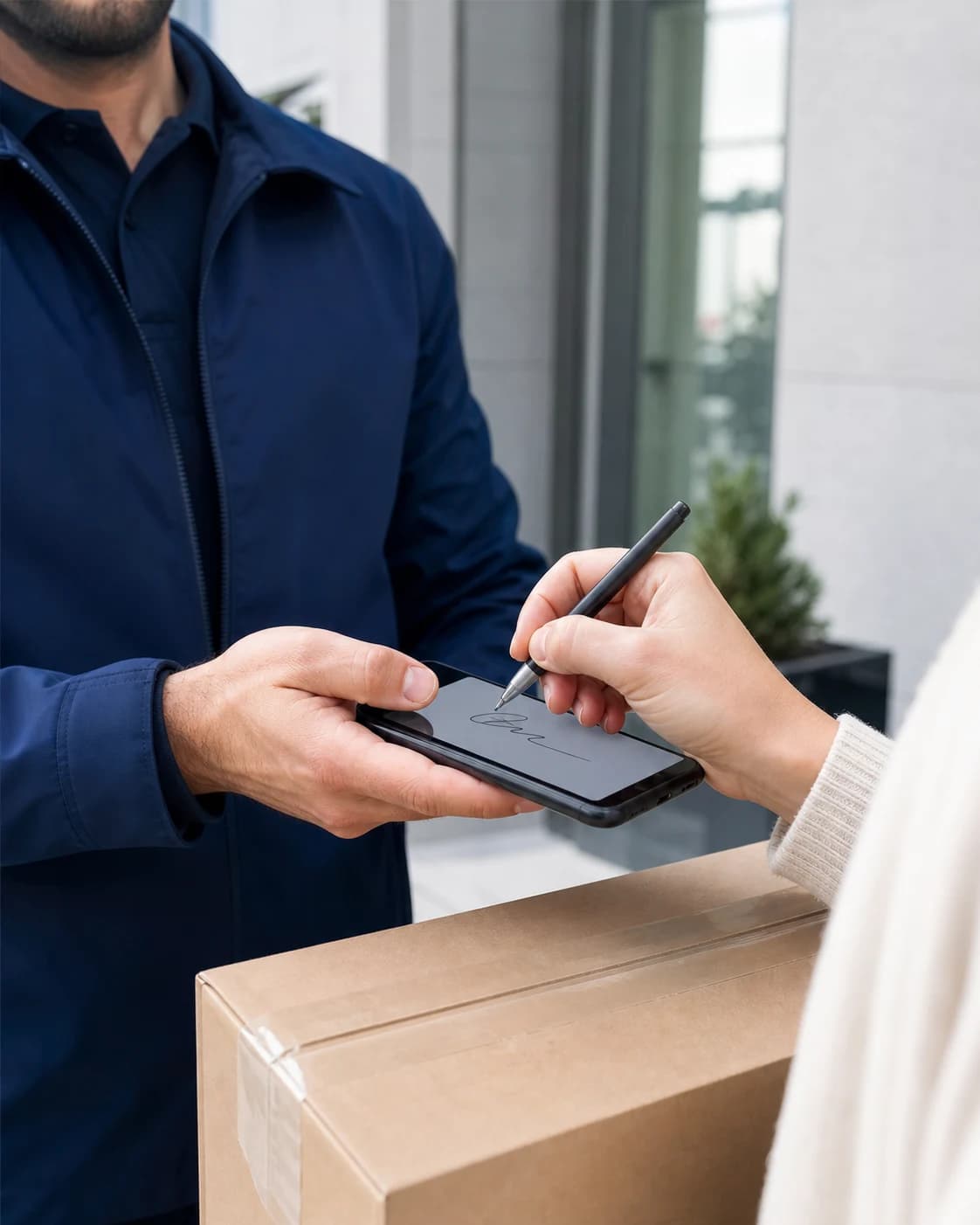
Provide live tracking, status updates and digital proof of delivery throughout the workflow.
Manage vehicles, drivers, documents, licences, inspections, deadlines, and compliance requirements centrally.
Learn moreOperate multiple dispatchers, teams, and locations with suitable roles, access, and responsibilities.
Learn moreDocument damage with photos and notes, process it centrally, and assign it to the correct vehicle or order.
Learn moreOnline booking with your branding, live prices, extras, and direct handoff into dispatch.
Learn more 13:3513 July 2026
 Car59,81 €
 XL Van69,73 €
 Small Van71,94 €13:3113 July 2026
 7.5t Lorry128,40 €Small Van46,20 €XL Van92,05 €
Orders, live tracking, documents, proof, and communication for customers in one place.
Learn moreAccount: Company or customer for ownership, reporting and billing.
Manage customers, contacts, locations, activities, and the complete transport history centrally.
Learn moreDecide which vehicle services your fleet offers for internal orders, booking pages and linked customers.
CarTransportTariff set up2 of 5 extra services activeOfferedSmall VanTransportTariff set up4 of 5 extra services activeOfferedXL VanTransportTariff set up3 of 5 extra services activeOffered7.5t LorryTransportTariff set up1 of 5 extra services activeOfferedDefine your own tariffs, price lists, terms, and extras per customer or customer group.
Learn moreCreate and process invoices, e-invoices, credit notes, payouts, and associated documents automatically.
Learn moreDocument business records completely and traceably in line with GoBD and e-invoicing requirements.
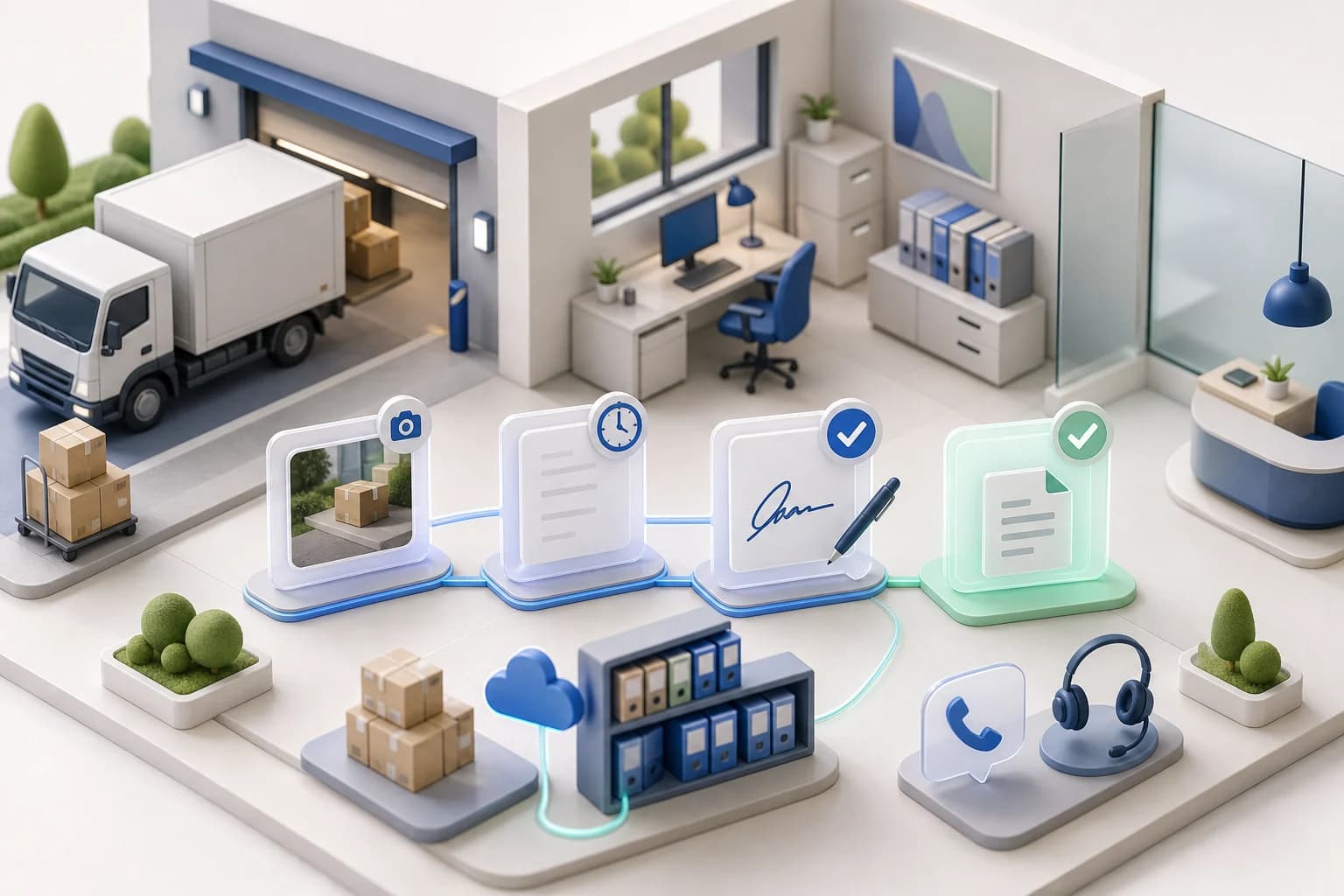
Learn moreDigital delivery notes, invoices, credit notes, and proof stay searchable and connected to the correct transaction.
Learn moreIndividual feature availability may depend on the selected plan, region, account type, and agreed rollout.

 Shopware

Choose a role
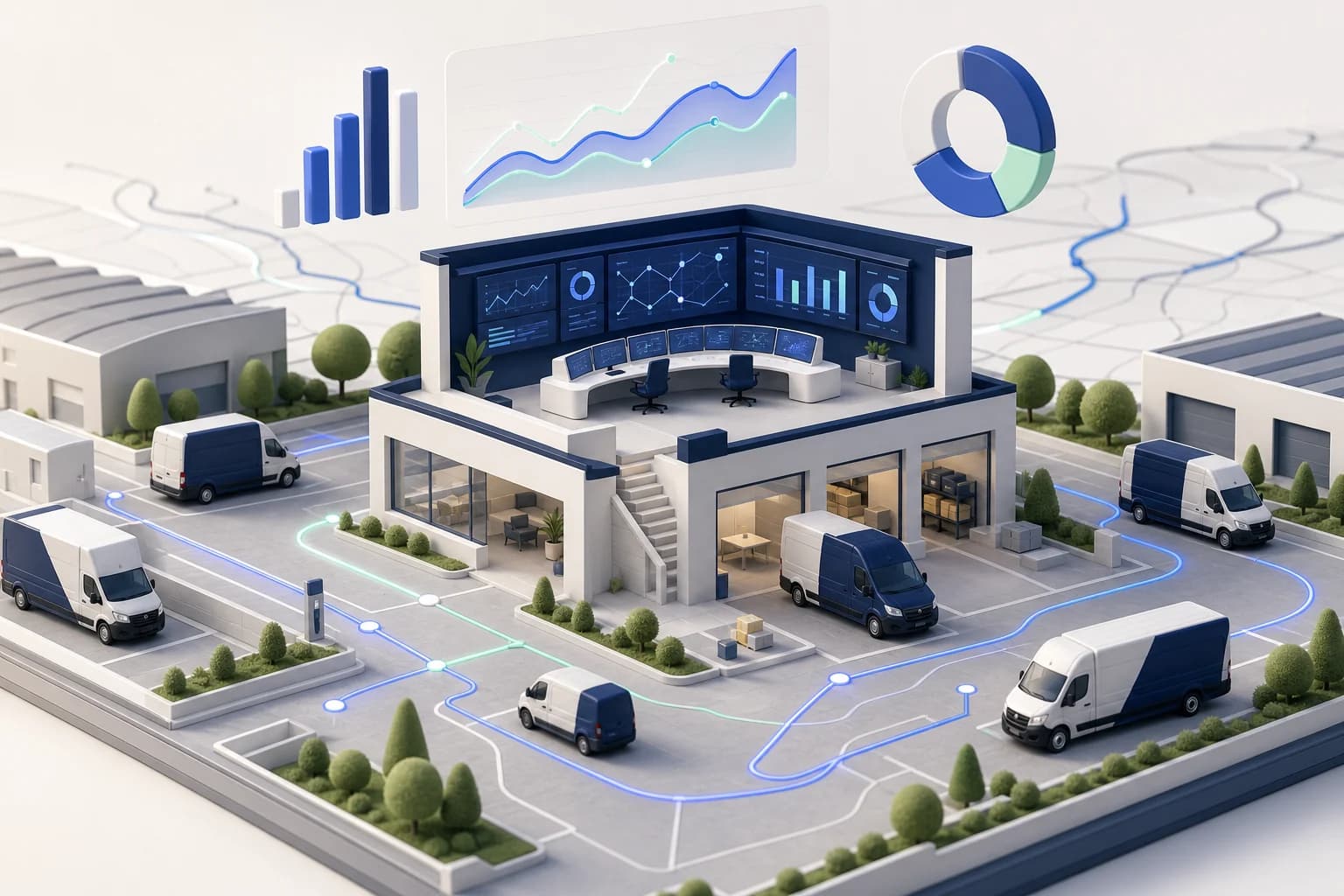
Utilization, revenue and running costs per vehicle and driver — live, not in a month-old export.
Automated dispatch and billing-ready records let you add vehicles without adding back-office staff.
Yes. You enter your own orders in the TMS or receive them through your booking page, the Shopify, WooCommerce and Shopware plugins or the API. Marketplace orders land on the same dispatch board, so drivers, vehicles and status for both sources sit in one view.
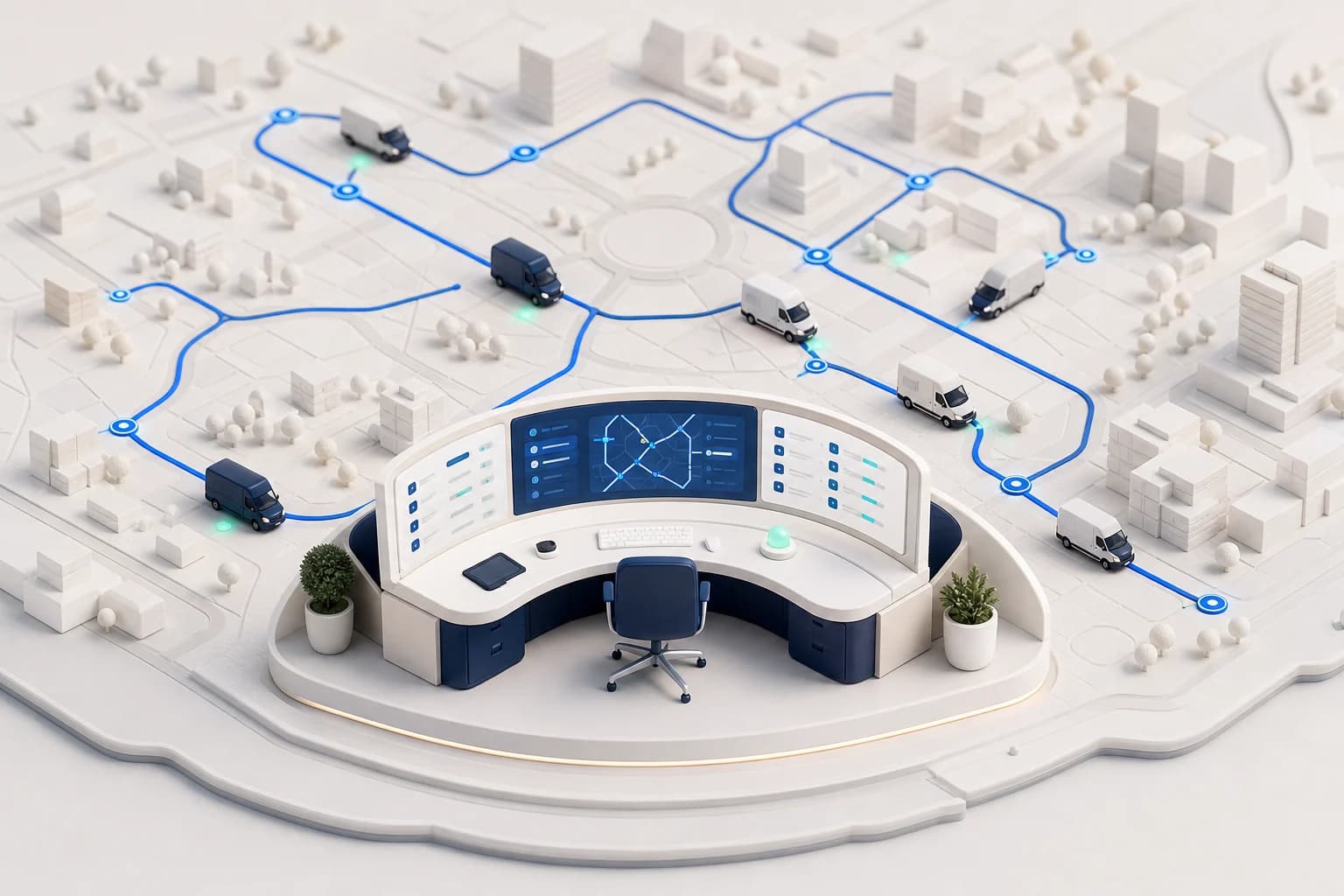
Each dispatcher works with their own login and role. Orders, drivers and vehicles live in the shared workspace, so everyone sees the same state instead of reconciling lists and chats.
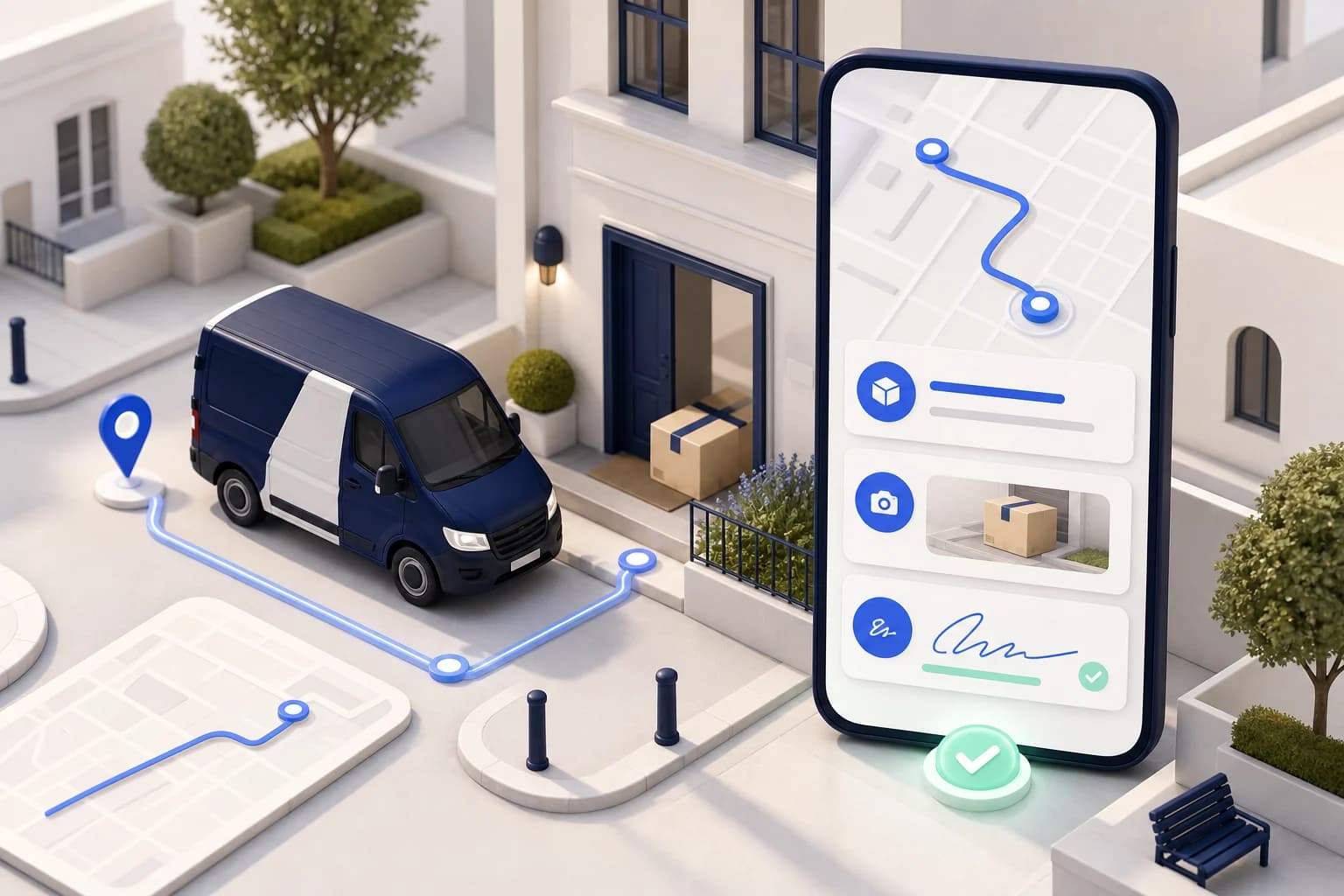
Recipients and shippers follow the run through a live tracking link. Signature, photos and timestamp from the digital proof of delivery come back automatically after delivery.
In the Maxmove TMS you create invoices from completed orders, including e-invoices, without retyping data from delivery notes.
Maxmove brings additional orders, digital fleet operations, and proof of delivery into one platform. You can fill spare capacity through the marketplace and use Maxmove TMS to dispatch your own and marketplace transports centrally.
Start a fleet account for freeMaxmove is designed for owner-drivers, small courier companies, forwarders, and growing fleets. You can start with one vehicle and add drivers, vehicles, roles, and capabilities as your operation grows.
Maxmove combines a regional order marketplace with software for your own customer orders. Courier companies see suitable available transports, decide before accepting, and dispatch accepted and internal orders to their drivers. The channel is profitable only when the route, vehicle class, and earnings fit, so operators should review contribution margin, empty mileage, and return loads for every order.
| Source | Strength | Check |
|---|---|---|
| Maxmove marketplace | Fill spare regional capacity | Route and earnings |
| Existing customers | Predictable repeat business | Margin and SLA |
| Spot and direct runs | Urgent demand with high time value | Empty mileage and return load |
Review revenue minus driver time, energy, tolls, wear, and unavoidable empty mileage. A higher order price is not automatically more profitable when the pickup or return route is far outside your normal service area.
After registration and verification, your business sees available orders matched to its service area and vehicle classes. The route, earnings, and requirements are visible before acceptance, and accepted orders can then be assigned to a driver.
Learn more about Maxmove ordersNo. You decide for every order whether its route, timing, vehicle requirements, and earnings fit your available capacity. There is no acceptance obligation.
Registration is free and there is no setup fee. Under the standard model, a transparent 12% commission applies only to successfully completed orders matched through Maxmove.
Maxmove TMS lets you manage your own customer orders and marketplace orders, drivers, vehicles, routes, statuses, live tracking, and billing in one shared workspace.
Explore Maxmove TMSYes. Dispatchers plan orders and routes, review available drivers and vehicles, assign runs, and follow execution live. Your own and marketplace transports stay in the same workflow.
Yes. Depending on the setup, orders, status data, tracking, and proof of delivery can connect to existing systems through APIs, webhooks, or custom integrations.
View APIs and integrationsDrivers capture delivery status, photos, a signature, timestamp, and GPS position directly on the order. This creates a traceable record of when and where the handover took place.
Explore digital proof of deliveryThe proof is linked to the order as soon as it is captured and becomes available in the Maxmove workspace. Teams no longer need to reconstruct records from paper, photos, and messages.
Yes. Digital delivery notes remain attached to their orders and can be retrieved for downstream processes. Connected systems can also receive them through the API, depending on the integration.
Reviewed by Max Valjan, Founder of Maxmove · Last updated:
In a demo, we review order volume, teams, vehicles and required integrations.