



Maxmove for Shopify
- Live delivery rates and add-on services in Shopify Checkout
- Manage pickup locations, vehicle defaults, and product package profiles
- Automatically import, reconcile, and track eligible paid orders
Shopify Admin · Maxmove
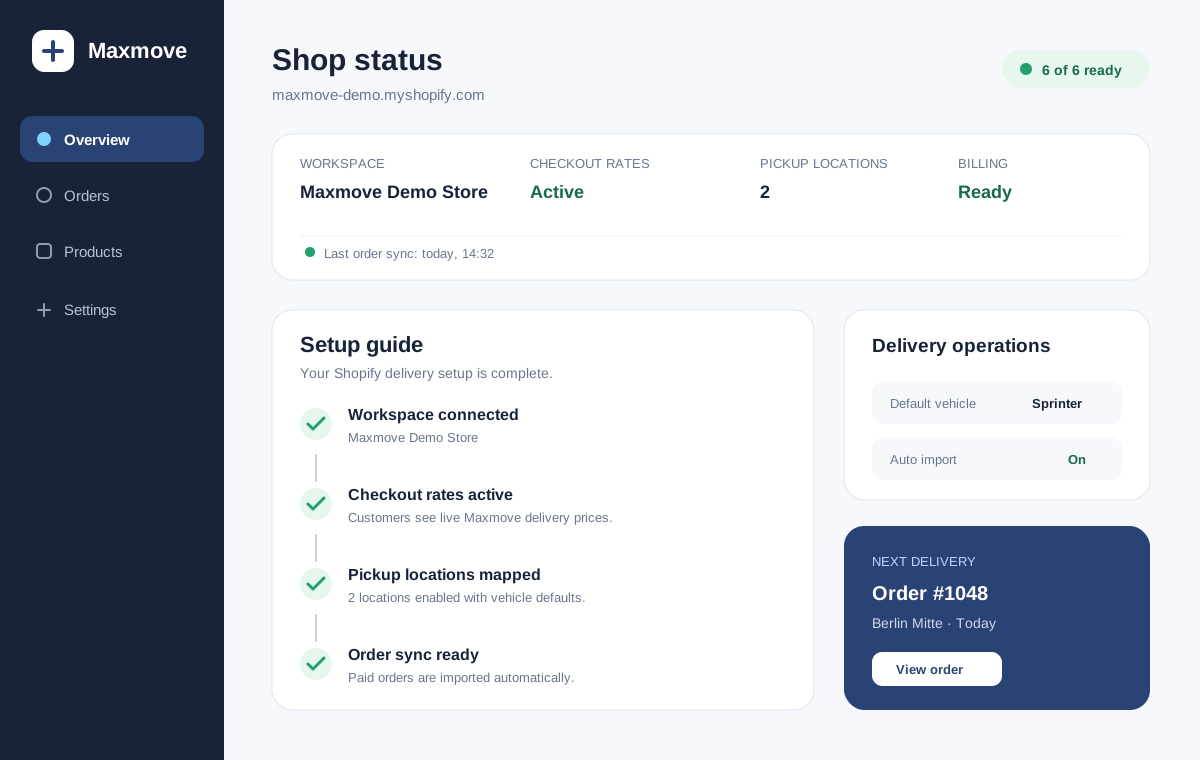
Let your customers enjoy same-day delivery. Connect your store, automate fulfillment, and watch conversions grow.
Secure payment · SSL encrypted

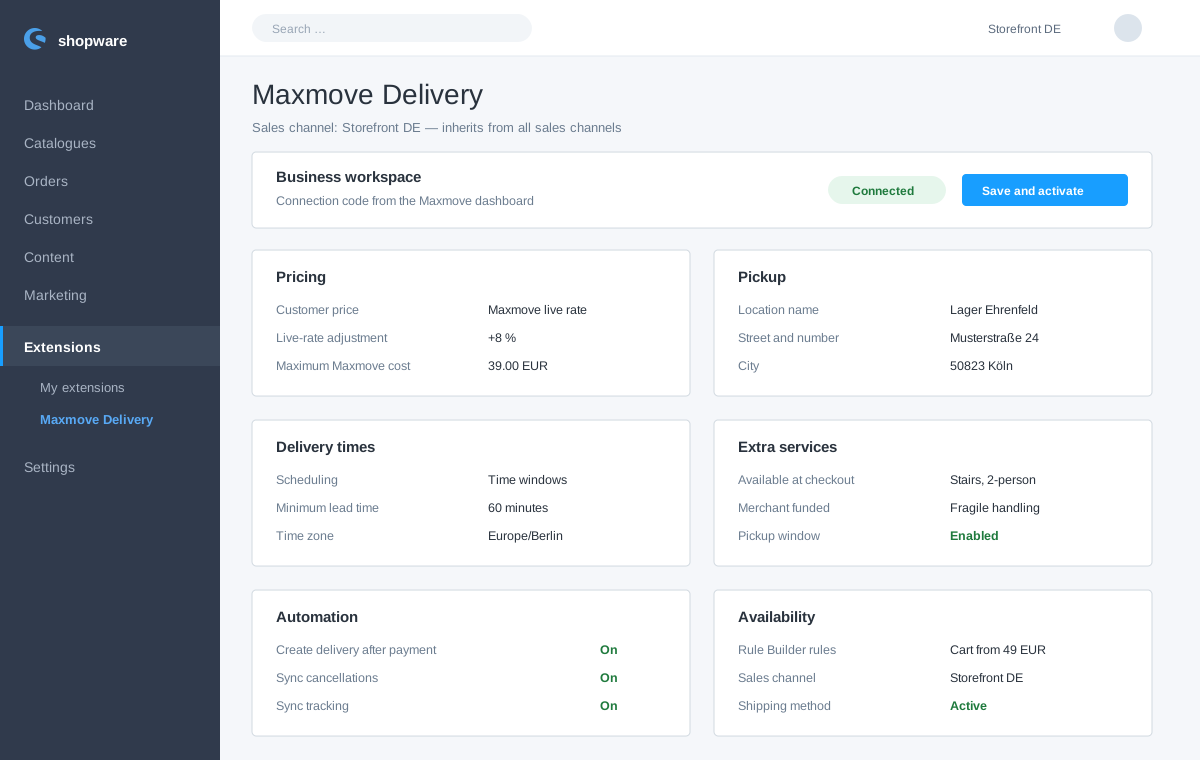

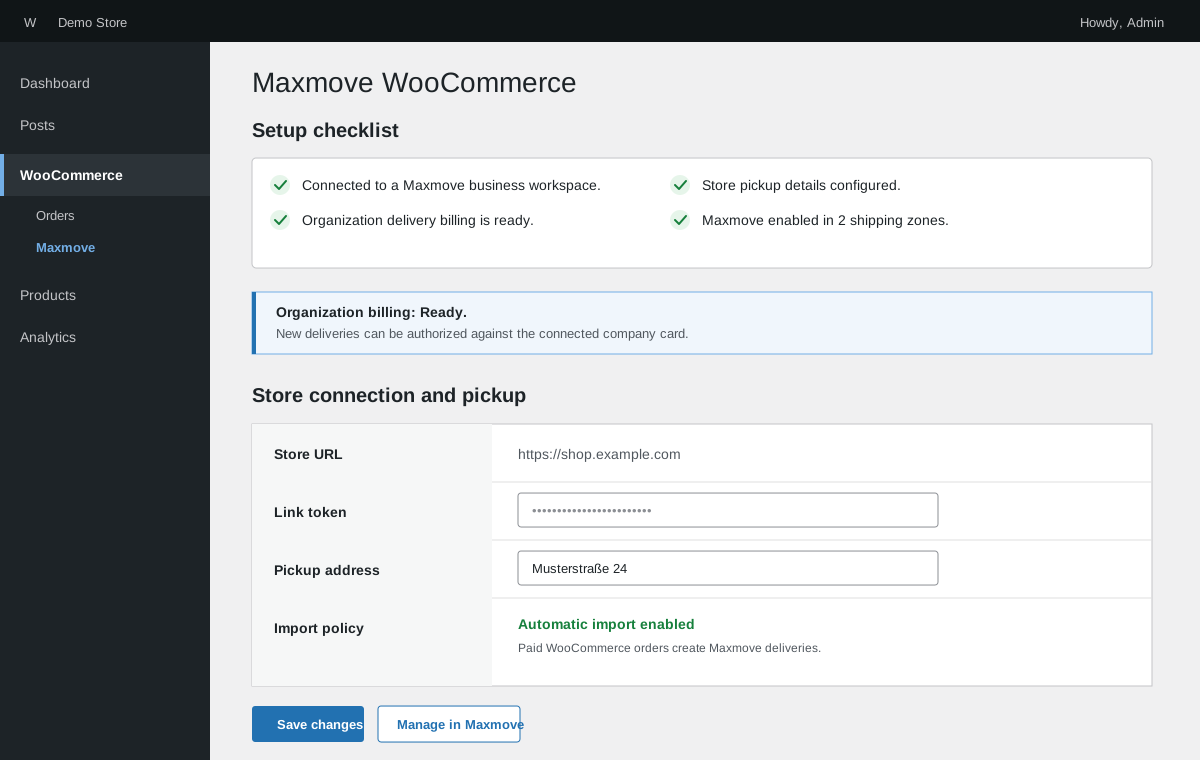
Use the Maxmove API to integrate quotes, orders, tracking, and webhooks directly into your existing platform.
Install the integration and link your store with a secure connection token.
Choose pickup locations, vehicle defaults, shipping zones, pricing, and optional services.
Customers see eligible Maxmove delivery options. Your storefront keeps the shopper payment.
Eligible orders import, dispatch to drivers, and synchronize through delivery status updates.
Shopper payment stays in your storefront
Product and checkout payments continue through Shopify Payments or WooCommerce. Maxmove never takes the customer's storefront payment.
Delivery uses business workspace billing
Maxmove authorizes delivery costs separately against the company card saved on the connected business workspace.
Connect the store and delivery service, check serviceability before checkout, and transmit confirmed orders automatically. Maxmove supports Shopify, WooCommerce and an API with webhooks for quotes, orders, tracking and status updates. Begin with a clear delivery area, order cut-off, accurate product dimensions and a fallback when no capacity is available for the requested time window.
| Setup | Starting point | Best fit |
|---|---|---|
| Shopify | Native integration | Fast standard rollout |
| WooCommerce | Native integration | WordPress stores |
| Custom storefront | API + webhooks | Custom checkout logic |
The store requests a quote and serviceability for the basket and address. After selection, it creates the order, displays tracking and receives signed status webhooks. Test mode validates the flow without dispatching a real courier.
Reviewed by Max Valjan, Founder of Maxmove · Last updated: