
Nothing gets lost
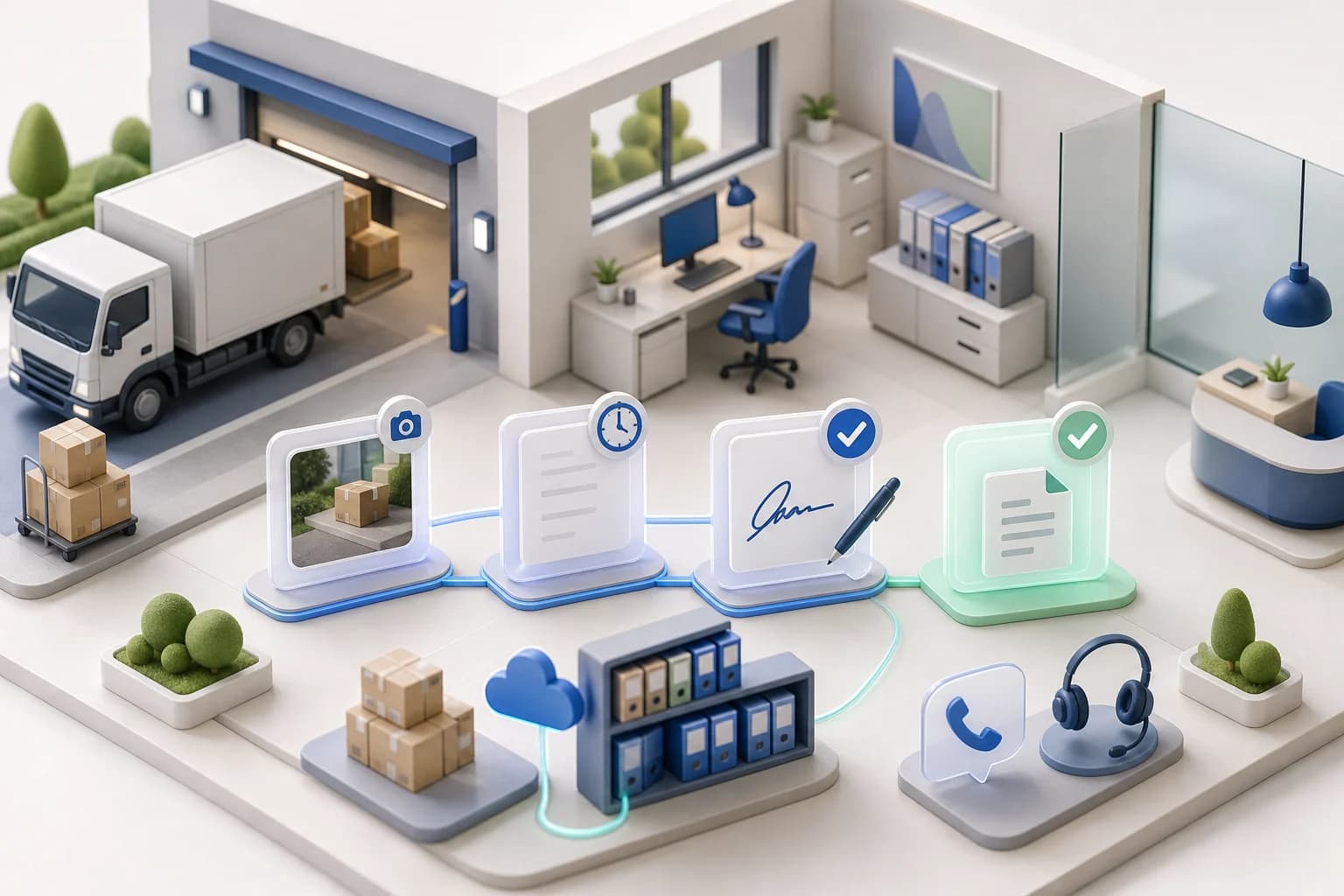
Signature, photos and delivery note stay on the order instead of in the cab.
 Photo14:32 · 31.07.2026
A digital delivery note, also called an electronic delivery note, replaces the paper slip at handover. The recipient confirms the delivery by signing on the driver's phone or tablet. The time, photos and order details are stored automatically. Nobody has to retype, sort or scan slips afterwards.
Maxmove covers both cases: recipients sign right in the driver app, and when the shipper hands over a paper delivery note, the driver photographs it page by page. Maxmove also creates a delivery note PDF from the order details. Everything sits on the order, can be viewed in the dashboard and exported as a PDF.
Signature, photos and delivery note stay on the order instead of in the cab.
The record exists the moment the driver delivers. Invoicing doesn't wait for paper.
In a dispute you see at once who signed, when, and what the goods looked like.
Delivery notes no longer need to be collected, scanned and filed.
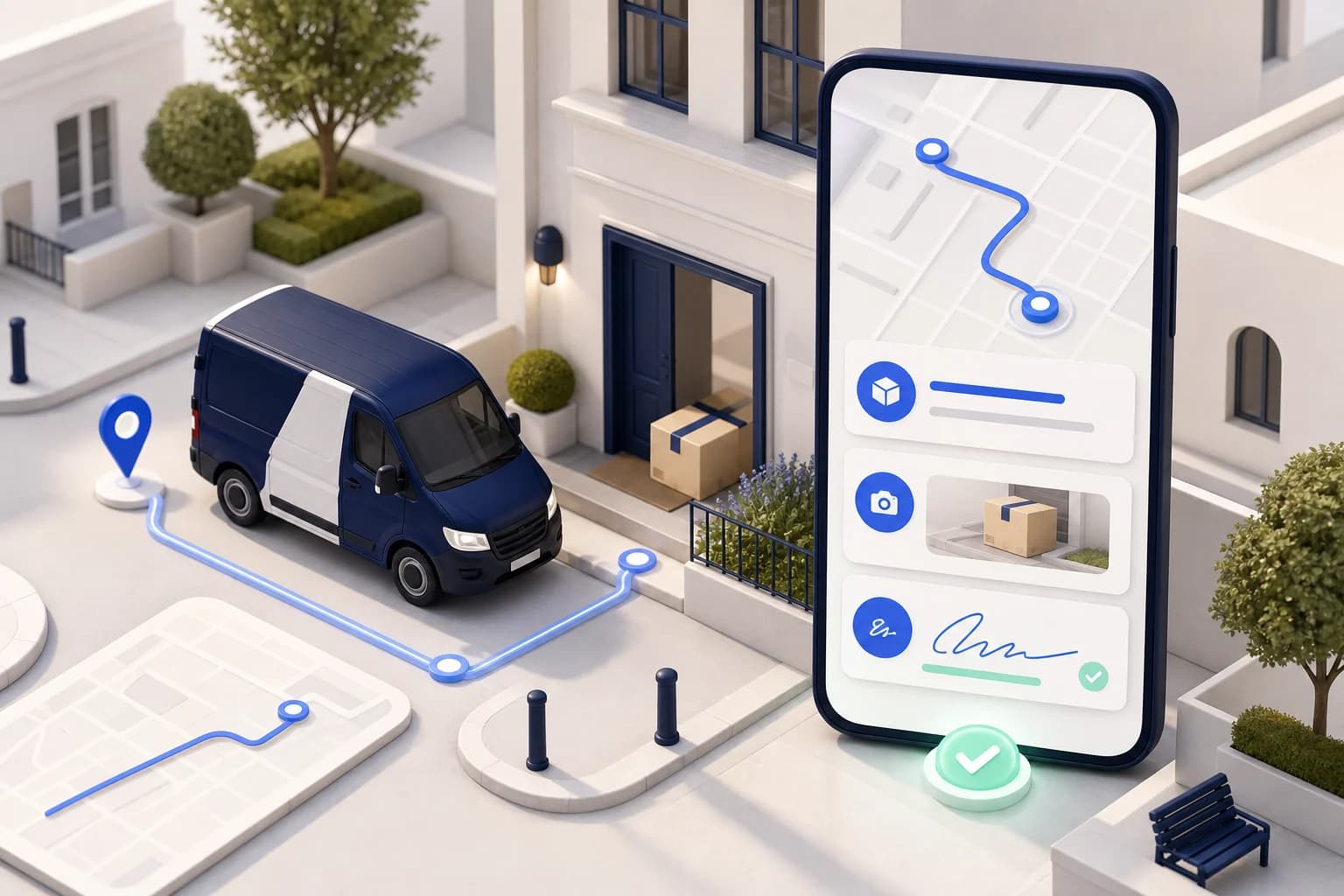
The recipient signs in the driver app. The signature is stored on the stop with its time.
When the shipper sends a paper slip, the driver photographs the signed delivery note page by page.
Maxmove creates a delivery note PDF from the order details and keeps it with the order.
You decide whether drivers must photograph the signed delivery note at drop-off.
Drivers without the Maxmove app upload photos and delivery notes through a link, no account needed.
Records are stored with a checksum (SHA-256), exported from the dashboard as PDF or passed on via API and webhook.
Enter or import orders and assign a driver. The delivery note is built from the order details.
The driver collects the signature in the app and photographs the paper delivery note if there is one.
Signature, photos and delivery note are in the dashboard right away, ready for your customer and the invoice.
From signature to blockchain verification: The digital delivery note captures every proof digitally — tamper-evident and instantly shareable.

Manage vehicles, drivers, documents, licences, inspections, deadlines, and compliance requirements centrally.
Learn moreOperate multiple dispatchers, teams, and locations with suitable roles, access, and responsibilities.
Learn moreDocument damage with photos and notes, process it centrally, and assign it to the correct vehicle or order.
Learn moreOnline booking with your branding, live prices, extras, and direct handoff into dispatch.
Learn more 13:3513 July 2026
 Car59,81 €
 XL Van69,73 €
 Small Van71,94 €13:3113 July 2026
 7.5t Lorry128,40 €Small Van46,20 €XL Van92,05 €
Orders, live tracking, documents, proof, and communication for customers in one place.
Learn moreAccount: Company or customer for ownership, reporting and billing.
Manage customers, contacts, locations, activities, and the complete transport history centrally.
Learn moreDecide which vehicle services your fleet offers for internal orders, booking pages and linked customers.
CarTransportTariff set up2 of 5 extra services activeOfferedSmall VanTransportTariff set up4 of 5 extra services activeOfferedXL VanTransportTariff set up3 of 5 extra services activeOffered7.5t LorryTransportTariff set up1 of 5 extra services activeOfferedDefine your own tariffs, price lists, terms, and extras per customer or customer group.
Learn moreCreate and process invoices, e-invoices, credit notes, payouts, and associated documents automatically.
Learn moreDocument business records completely and traceably in line with GoBD and e-invoicing requirements.
Learn moreDigital delivery notes, invoices, credit notes, and proof stay searchable and connected to the correct transaction.
Learn moreIndividual feature availability may depend on the selected plan, region, account type, and agreed rollout.

 Shopware
Choose a role
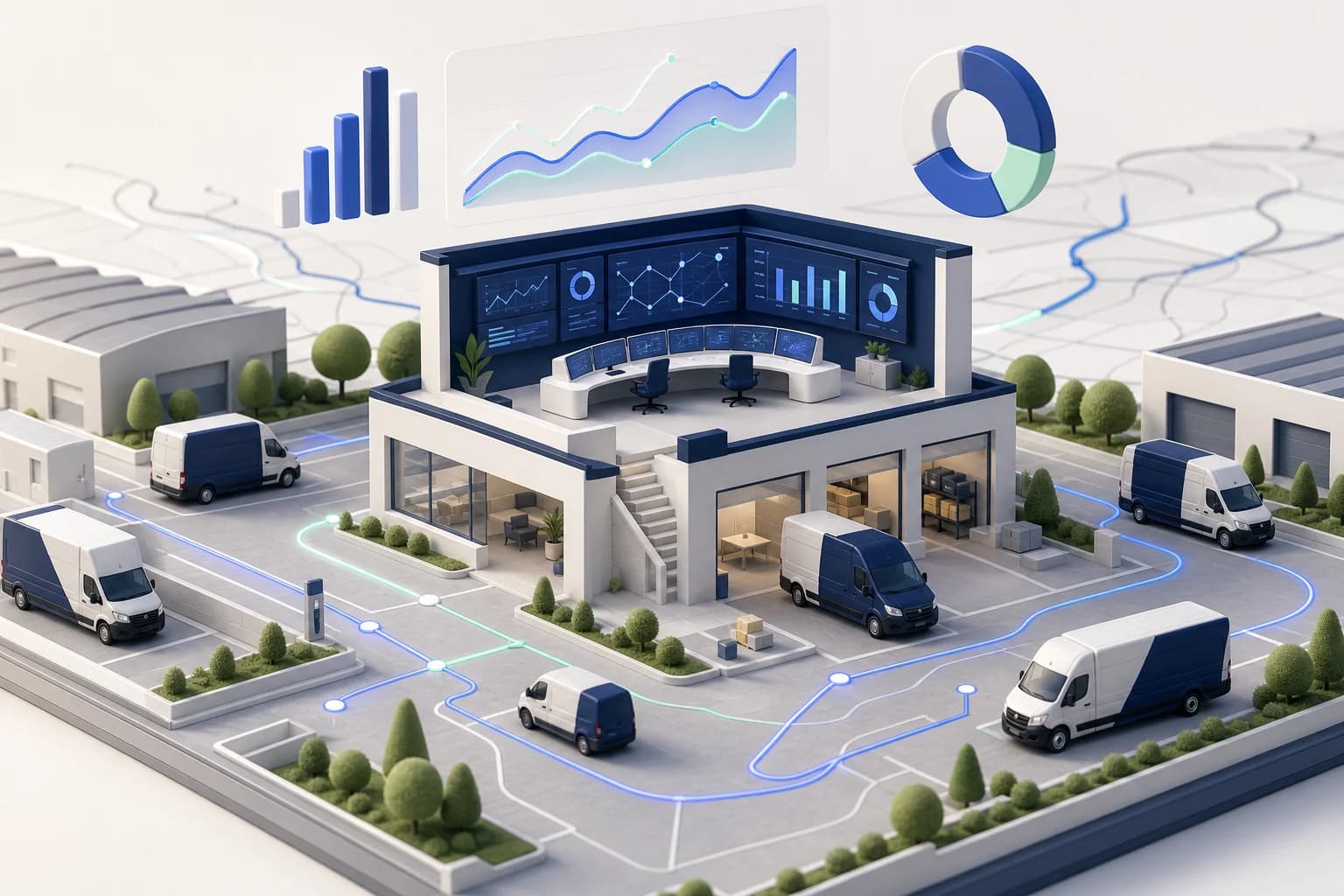
Utilization, revenue and running costs per vehicle and driver — live, not in a month-old export.
Automated dispatch and billing-ready records let you add vehicles without adding back-office staff.
30% Cost Reduction
Reduce empty miles, optimize routes, and cut administrative overhead.
Start in Days
Simple setup with guided onboarding. No complex implementation projects.
Scales With You
From 1 vehicle to 100+. Our platform grows with your business.
Maxmove TMS replaces the toolbox of Excel, WhatsApp, and paper slips with one system – built for courier services, van fleets, and small freight forwarders.
Start free and have the next delivery note signed right in the driver app.
