
If you are an independent driver and no courier jobs are visible, your account is usually not blocked. First check that you are approved, online, your location works, no filters or destination mode are hiding jobs, and your active vehicle fits the work currently available. After that, one hard factor remains: there may simply be no suitable job near you at that time.
That is frustrating, but it matters operationally. A platform can only show jobs that match your status, location, vehicle, time window and the sender's requirements. Refreshing the same list every few seconds does not create more demand.
The short diagnosis
| Situation | Most likely cause | What to check first |
|---|---|---|
| You are newly registered and see nothing | Profile, documents or vehicle are not fully reviewed yet | Driver checklist, profile & compliance, active vehicle |
| The app says you are all set, but the list is empty | No matching job near your location, time or vehicle class right now | stay online, filters, operating area, notifications |
| You see very few jobs | Filters, destination mode or a small vehicle narrow the matches | set timing to "All", stop destination mode, check vehicle |
| The list is empty after changing vehicles | wrong or inactive active vehicle | select the active vehicle in filters and profile |
| A notice says new jobs are paused | account is restricted or under review | open the notice and contact support |
The Maxmove help center says the same in support language: an empty list almost never means an automatic block; if Maxmove restricts your account, the app tells you explicitly (No jobs visible).
Why vehicle and job have to match
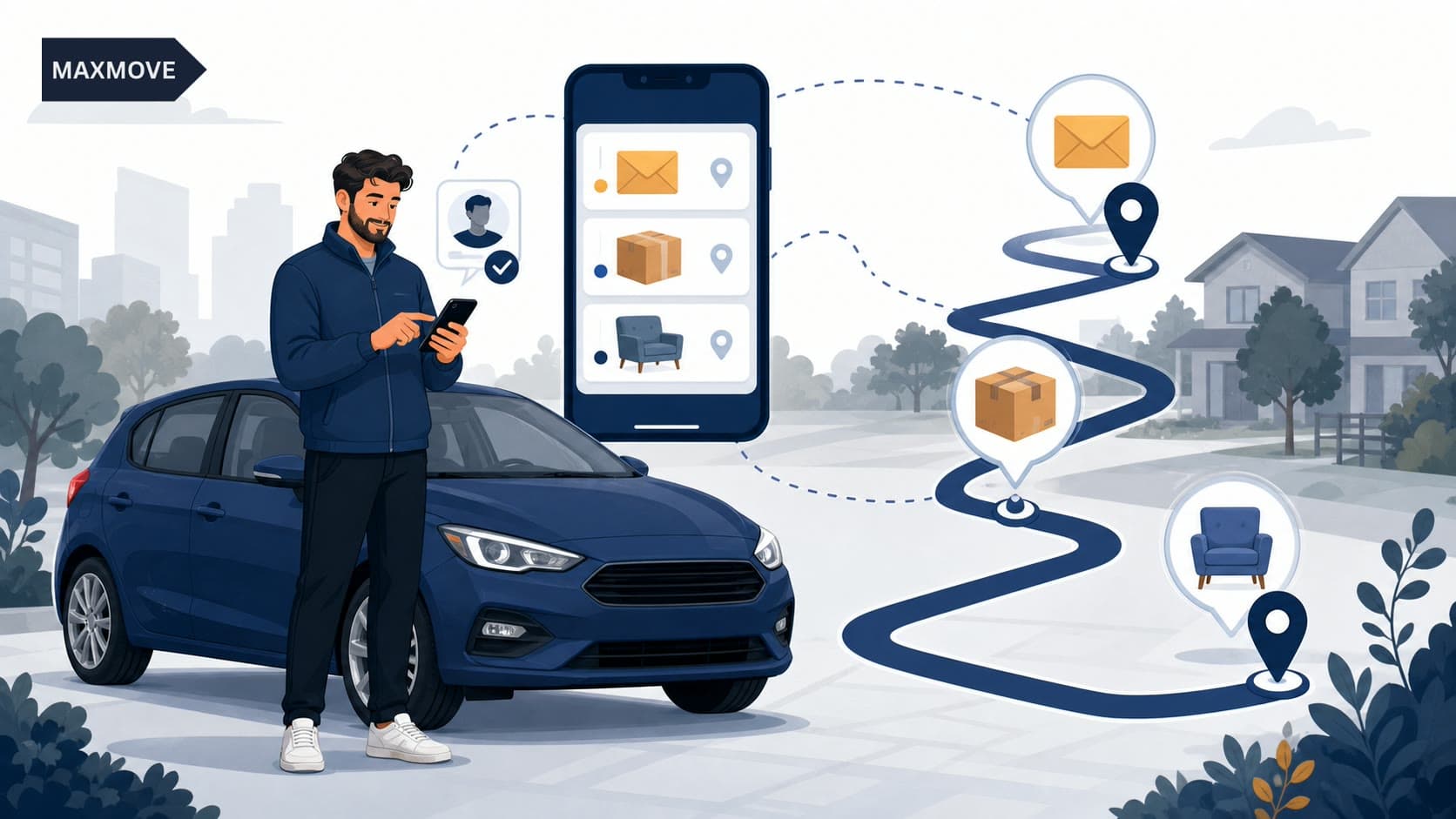
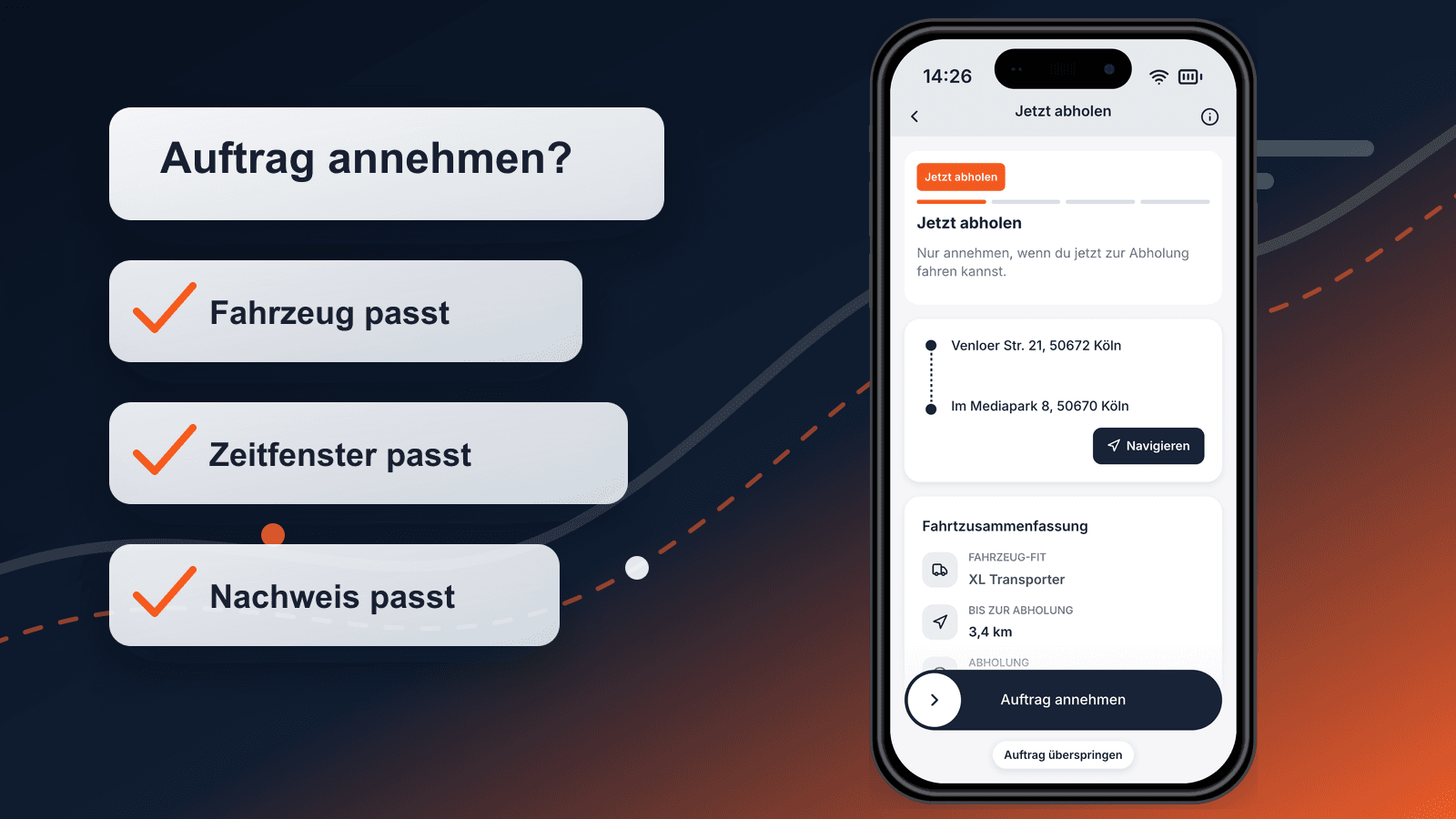
A job is not matched by distance alone. For courier and transport work, the goods and the vehicle belong together:
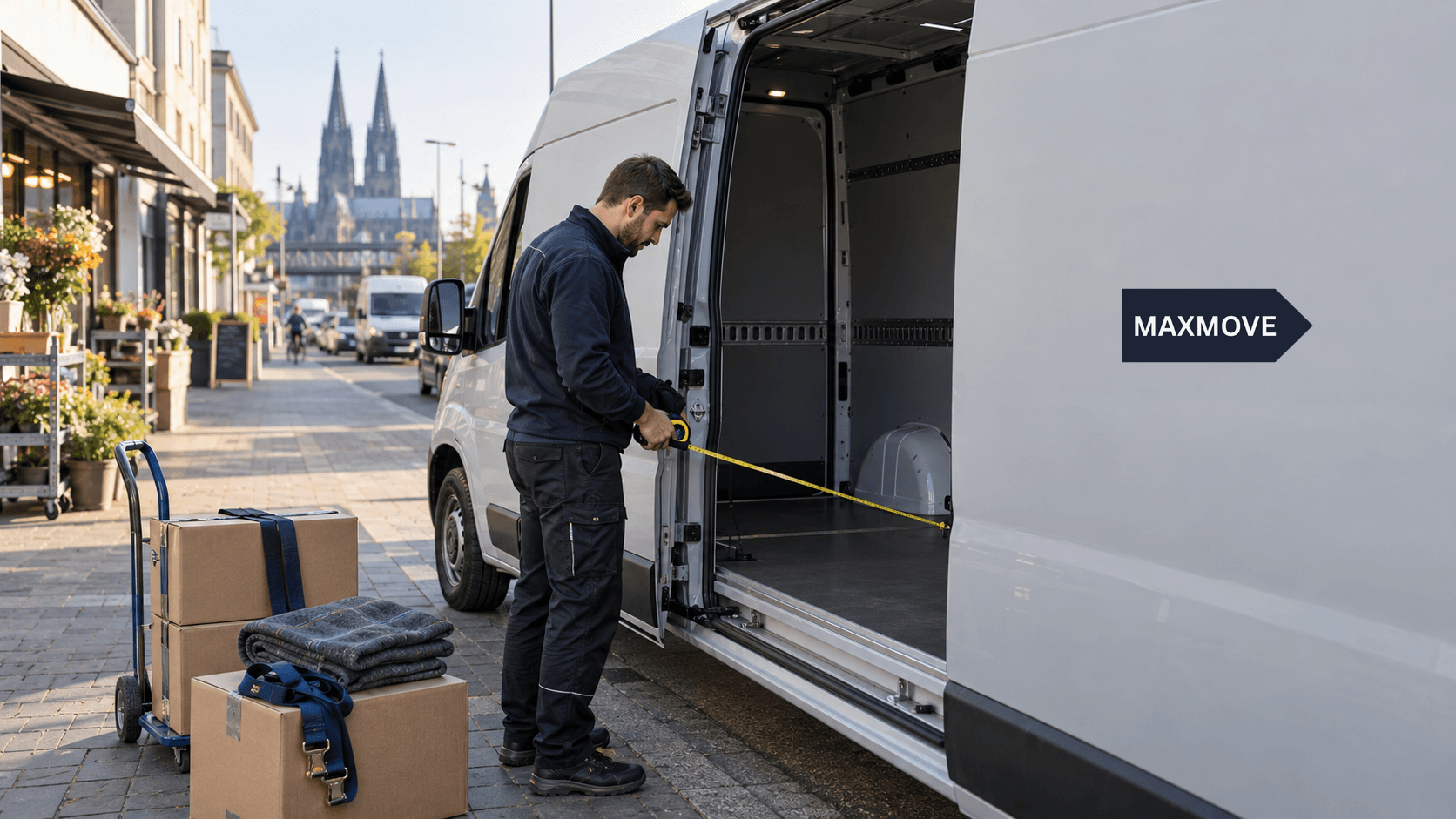
- Do the goods fit by length, width and height?
- Is payload enough after driver, straps, trolley and any existing load?
- Is the shipment a parcel, furniture item, pallet or bulky material?
- Does the job need a certain time window, immediate pickup or a later appointment?
- Are photos, signature, name, barcode or other proof required?
If your active vehicle is a car or estate, bulky goods, pallet or large furniture jobs may not appear. If your active vehicle is a van, but the app is still filtering by an older vehicle, you may see fewer suitable jobs than you could. That is why vehicle selection is more than a profile detail: it controls which work can sensibly be shown.
Maxmove does not ask independent drivers to prove vehicle ownership; you add the vehicle in the app and activate it. The details are in Vehicle owner and registration. For everyday work, the practical rule is simple: the active vehicle must be the one you are actually using today.
Why location and timing are not only technical
Location issues are a technical reason for empty lists. If the app does not know where you are, it cannot search for nearby work properly. Check location permission, mobile data and whether you are really online.
But a correctly detected location still does not guarantee jobs. Demand changes by:
- city and neighbourhood
- time of day and day of week
- proximity to pickup points
- vehicle class
- weather, seasons and local events
- number of available drivers in the same area
This is not unique to Maxmove. Uber tells drivers who are not getting requests to check that they are in their activated city, move to higher-demand areas, check connection and app version, and remember that demand varies by location and time (Uber Help). Stuart's courier terms describe delivery allocation as depending on factors such as suitable transport type and distance to pickup (Stuart Help Center).
The practical conclusion: if you are approved and there is no warning, an empty list is usually a matching or demand state, not automatically an account problem.
The 5-minute check for independent drivers
Go through these points before contacting support:
- Read the home screen: Does it say you are all set, or is a checklist still open?
- Check profile & compliance: Are documents, identity, payout setup and vehicle complete?
- Check active vehicle: Are you actually driving the vehicle that is active in the app today?
- Open filters: Set order timing to "All" and stop destination mode unless you intentionally want to move toward a destination.
- Allow location: Check location permission, mobile data and battery-saving modes.
- Keep notifications on: Otherwise you may miss new jobs while the app is in the background.
- Choose your area deliberately: Wait where pickups are likely, not only where you happen to be.
This check does not solve every empty list, but it separates fixable settings from real demand. It also prevents unnecessary duplicate vehicles or repeated document uploads.
What an empty list does not prove
An empty list does not automatically mean:
- your account is blocked,
- Maxmove has no jobs in your city,
- your vehicle is generally unsuitable,
- you will permanently receive fewer jobs,
- support has to manually "unlock" your list.
It only means that, for your visible status and filters right now, there is no matching job. If there is a real blocker, the app shows a notice. If your documents are still under review, the checklist stays open. If you are all set but demand is low, support cannot create jobs manually.
When support is useful
Contact support when one of these applies:
- The app shows a pause or restriction notice.
- You completed every open step, but the checklist stays stuck without explanation.
- Location does not work despite permission and connectivity.
- You cannot select an active vehicle.
- You have seen no jobs for a long period even though the app says you are all set and you have checked filters, destination mode, vehicle and location.
In the chat, include what your home screen says, since when you have seen no jobs, which vehicle is active and whether you drive independently or through a fleet. Do not send ID photos or document data in chat; support can check your status without those images.
Legal and operational setup: start clean before waiting for demand
This section is not legal advice. For Germany, the Federal Portal explains that commercial goods transport with motor vehicles above 3.5 tonnes permitted gross weight including trailers usually requires a permit; smaller vehicles and certain operating models are treated differently (Federal Portal).
For you as a driver, the practical point is: sort out your business, insurance, vehicle and documents before waiting for jobs. Lalamove lists a smartphone, vehicle registration and market-specific proof among driver entry requirements (Lalamove Driver). Maxmove guides you through the steps relevant to your account in the driver app; the onboarding help explains which documents matter for independent and fleet drivers.
Bottom line
When no courier jobs are visible, do not first question your motivation. Check the matching signals: approval, location, filters, destination mode, active vehicle and demand area. Only when those points are right and the app still shows a blocker or behaves technically wrong is support the right next step.
Want to start as an independent driver? Open the driver page or see which transport orders fit your vehicle.