
A shop prevents duplicate or stale local delivery orders through a clear integration contract: the shop decides when an order is ready for delivery, Maxmove or the transport system receives one stable order reference, every create request is idempotent, and webhooks trigger a status reconciliation instead of blindly overwriting the shop.
For operations teams, that is the real question behind "How do I connect Shopify, WooCommerce, or Shopware to same-day delivery?" It is not only whether a delivery option appears at checkout. It is whether order, payment, pickup, driver status, tracking, and proof of delivery describe the same job later.
The Short Answer
A reliable e-commerce delivery flow has seven decisions:
| Decision | Why it matters |
|---|---|
| Delivery eligibility before checkout | The shop should show local delivery only when area, product data, pickup location, and time window fit. |
| Order readiness after checkout | A delivery should be created only after the order is paid, released, or deliberately imported manually. |
| Stable reference | Order number, fulfillment ID, or internal order ID must follow quote, delivery, tracking, and proof. |
| Idempotency key | Repeated requests after a timeout must not create a second driver job. |
| Status model | Shop status and transport status should not be mapped into each other casually. |
| Webhook plus polling | Webhooks wake the system; an API read confirms the current state. |
| Proof of delivery | Photo, signature, or timestamp belongs on the order or fulfillment, not in a loose support ticket. |
When one of these decisions is missing, the usual failures appear: duplicate orders after retry, delivery options for unsuitable carts, a shop showing "shipped" while the courier has not picked up, or a proof document no one can attach to the dispute.
Where the Process Starts: Before Checkout
Local delivery is not just another shipping label. The shop must check whether the cart can actually be transported before showing the option.
At minimum, the process needs:
- an active pickup location with a complete address,
- delivery area or serviceability check,
- product weight and, where possible, package dimensions,
- vehicle or service class,
- time window, cut-off, or minimum lead time,
- a decision on add-on services such as carrying help.
Shopify separates local delivery rules from carrier services for third-party calculated rates. Its CarrierService documentation describes shipping services that can return real-time rates to checkout (Shopify CarrierService). For Maxmove, the practical rule is simple: the delivery option should appear only when the shop sends enough data for a reliable quote.
The Maxmove Shopify setup guide follows the same logic: pickup location, checkout rates, company card, default vehicle, product weights, and package profiles must be ready before automatic imports make sense.
When Should the Transport Order Be Created?
The most common integration mistake is creating the job too early. A customer adds goods to the cart, checkout requests a delivery option, and the shop already creates a transport. That is wrong. A quote is not a delivery.
Use this split:
| Phase | Shop event | Transport action |
|---|---|---|
| Cart | Address and cart are checked | Calculate quote or delivery option |
| Checkout | Customer selects local delivery | Reference the quote; do not assign a courier yet |
| Order | Payment or release state is reached | Create delivery with an idempotency key |
| Fulfillment | Goods are picked and ready | Confirm or trigger the job if the process is manual |
| Execution | Driver status changes | Update shop or OMS status |
| Completion | Proof of delivery exists | Link proof and final status to the order |
WooCommerce integrations often use background jobs because payment state, warehouse work, and an external API should not all finish inside one request. Action Scheduler is the common WooCommerce job queue for scheduled and asynchronous work (Action Scheduler). The Maxmove WooCommerce setup guide therefore describes asynchronous import after a configured order state and duplicate prevention with stable idempotency data.
Shopware follows a similar operational pattern: rules decide when a shipping method is visible, and jobs make sure a paid order enters the delivery process exactly once. The Maxmove Shopware setup guide names payment state, checkout evidence, durable queue, and signed callbacks as core pieces.
The Technical Guardrail: Idempotency
Idempotency is not just an API detail for developers. It protects operations. If a plugin resends the same order after a timeout, the transport system must return the existing delivery instead of starting a second route.
A good business key is stable and unique:
shopify-order-58472-fulfillment-1woo-98211-local-deliveryshopware-300045-dropoff-mainerp-route-2026-08-29-berlin-17
In the Maxmove API, POST /v1/deliveries requires an Idempotency-Key. The same key with the same body returns the original resource; the same key with a changed body is rejected. That prevents duplicate orders and makes mismatched retries visible instead of splitting one delivery into two.
Do Not Map Status Too Broadly
Shop statuses such as "paid", "processing", "shipped", or "completed" describe commerce. Transport statuses such as courier_assigned, at_pickup, picked_up, in_transit, at_dropoff, and delivered describe execution.
A clean integration does not map every transport status to a final shop status. A better mapping is:
| Transport status | Shop or OMS reaction |
|---|---|
pending | Delivery created; avoid customer-facing claims such as "on the way". |
courier_assigned | Internal view: courier assigned; optional customer notification can be prepared. |
at_pickup | Warehouse or store knows handoff is imminent. |
picked_up | Fulfillment can be marked as on the way if the shop supports that distinction. |
in_transit | Tracking link and ETA are updated. |
at_dropoff | Support sees that delivery is in progress at the recipient. |
delivered | Final completion should wait for proof or a defined completion event. |
cancelled or expired | Do not complete the order; trigger review or a new delivery. |
Uber Direct documents a delivery API model with creation, tracking, and webhooks (Uber Direct Developers). Lalamove also positions API integrations around automated order creation, tracking, and business workflows (Lalamove API Integration). These examples show the market pattern: the shop needs a status contract, not just a delivery button.
Webhooks Are a Signal, Not the Truth
Webhooks are fast, but they can be delivered more than once, arrive late, or be replayed after an outage. The receiving system should:
- verify the signature,
- deduplicate by event ID,
- move long work into its own job,
- reread the delivery or tracking resource when uncertain,
- map forward only when the target status is older.
Onfleet describes webhooks as event calls sent to external systems when selected task events occur (Onfleet Webhooks). The Maxmove webhook documentation follows the same robust rule: webhooks notify, while API reads reconcile current state during initial load, reconnects, or uncertainty.
Product Data Decides Vehicle and Price
Local delivery often fails because product data is incomplete, not because the API is complex. Normal parcel goods can often work with weight and standard shipping rules. Local same-day or bulky delivery needs more:
- package count,
- weight,
- length, width, and height,
- packed or unpacked state,
- fragile, chilled, or regulated goods,
- stairs, lift, ramp, or curbside handoff,
- return, exchange, or old-item pickup,
- phone number at pickup and dropoff.
If this data is missing, the delivery option should be restricted, reviewed manually, or quoted with a conservative default vehicle. A live checkout price is useful only when the inputs behind vehicle and service choice are realistic.
Example: WooCommerce Shop with Local Furniture Delivery
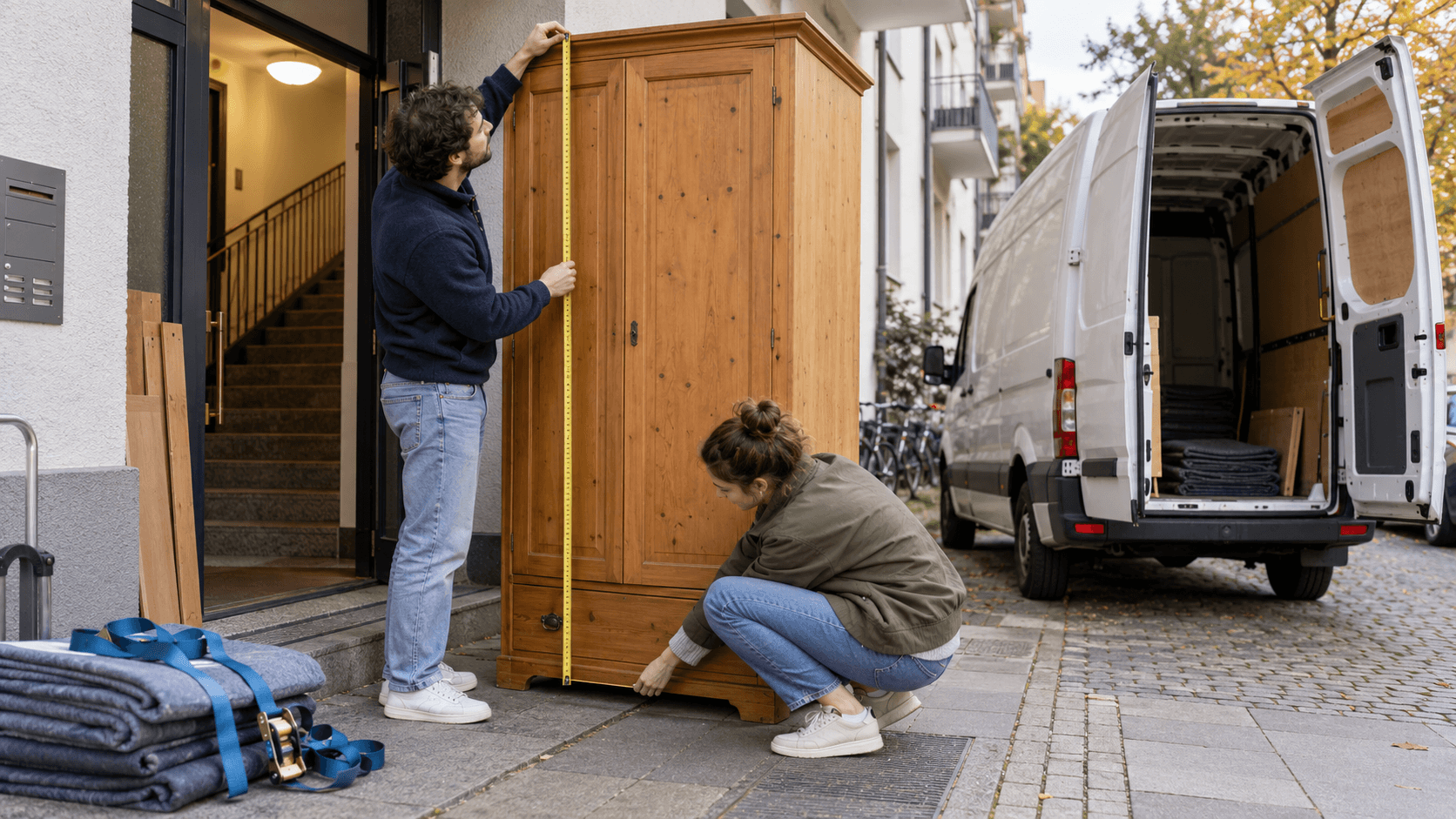
A furniture retailer sells shelves and small sofas regionally. The right flow is not "send every paid order to a courier immediately".
A reliable flow looks like this:
- The shipping zone allows Maxmove only in the relevant postal codes.
- Products have weight and package profiles.
- Checkout shows local delivery only for eligible carts.
- After payment, a background job creates exactly one delivery.
external_idandIdempotency-Keycome from order and fulfillment IDs.- Webhooks update status and tracking link.
- At delivery, proof is stored on the job and visible to support.
- Cancellation or failed delivery remains a reviewable exception, not an automatically completed shop order.
The operational value is not a new button. It is that warehouse, driver, customer, and support see the same state.
Pre-Launch Checklist
Before the first live integration, check:
- Which orders may be imported automatically?
- What is the stable external reference?
- Which order status triggers delivery creation?
- Is there a test mode with no real courier dispatch and no real cost?
- Are API and webhook secrets stored server-side?
- Are retries protected with an idempotency key?
- Which webhook events are needed?
- What happens on
429, network errors, or5xx? - Where is the tracking link shown?
- Who can see photo, signature, or timestamp after delivery?
- Which exception stops automation and requires manual review?
The Maxmove API security guide lists the operating rules behind this: separate test and live keys, minimal scopes, rate-limit handling, backoff retries, and no secrets in URLs, logs, or support tickets.
Where Maxmove Fits and Where It Does Not
Maxmove fits shops and platforms that want to create local or regional deliveries from a controlled system process: checkout rates, manual or automatic imports, Maxmove API, tracking, webhooks, and proof of delivery. The public help pages for Shopify, WooCommerce and Shopware, and the Maxmove API developer docs show the relevant entry points.
Maxmove should not be used as a blanket promise when product data is missing, goods are not ready for transport, delivery area or time window is unchecked, regulated goods are involved, or a special service such as assembly, connection, or disposal is unclear.
In Short
A good e-commerce delivery integration answers more than "Can the customer select local delivery?" It answers "Can this order be executed exactly once, with the right status and auditable proof?"
Start with a narrow scenario: one pickup location, a few product groups, clear delivery area, test key, idempotency, webhooks, and a defined proof-of-delivery process. Then expand to more locations, shop systems, or API flows. For the starting point, use Maxmove E-commerce or the Maxmove API.