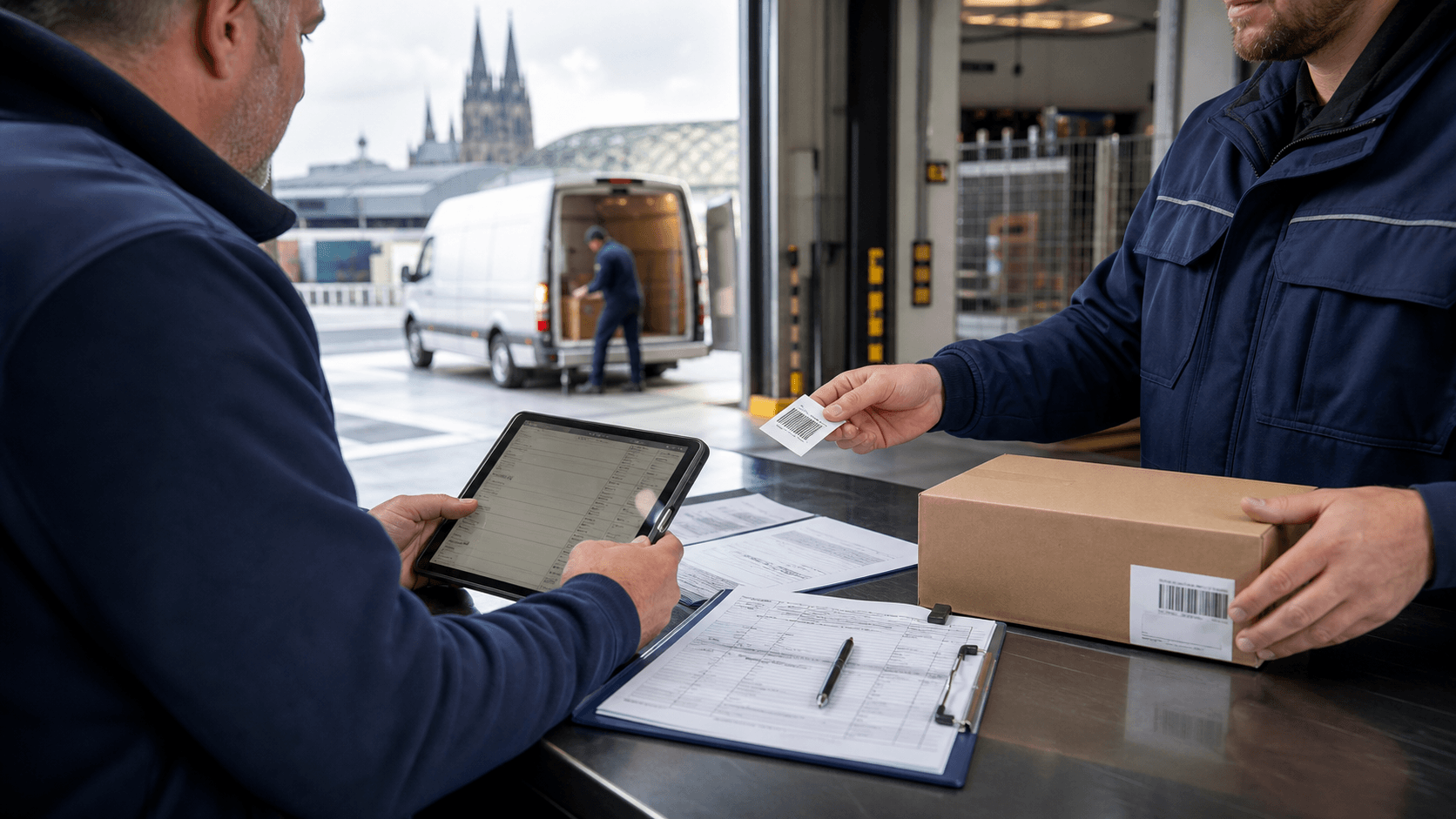

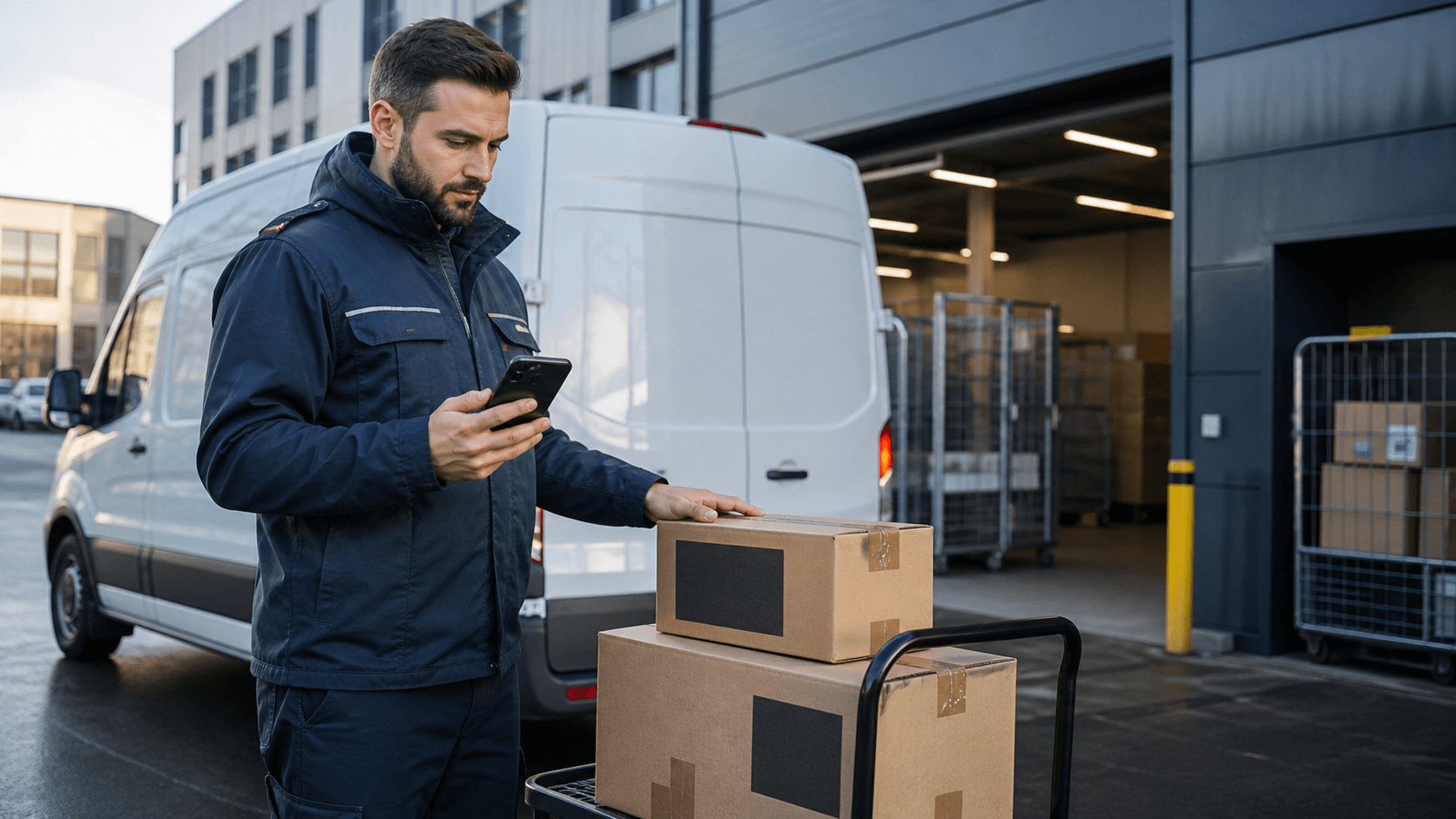
A courier driver app does not need as many buttons as possible. It needs to show the driver the next correct action on site and return reliable data to dispatch: accepted, picked up, en route, delivered, failed, photo, signature, timestamp, note and reference. If those data points do not land on the order, the team still works through phone calls, WhatsApp, screenshots and follow-up questions.
For Maxmove, the driver app therefore does not sit beside dispatch as a separate tool. It is the mobile part of the order: dispatch, live tracking, digital proof of delivery, invoice preparation and support must see the same status history. One-off transports can start through booking; courier companies with multiple drivers need the workflow inside the TMS.
The short answer
A good driver app answers five questions per stop:
| Question | What the app must do |
|---|---|
| What is the next step? | clear action: pick up, start, deliver, report problem |
| What data does the driver need? | address, contact, time window, packages, reference, notes |
| What does dispatch see? | status change, location signal, delay, exception and completion |
| What does the customer see? | tracking or status without manual dispatcher messages |
| What proves the work? | photo, signature, name, timestamp, damage note or return confirmation |
If an app only shows navigation, it is not an operational driver app. If it collects proof but does not store it cleanly on the order, it is a mobile document folder. The value appears only when driver action, order status and proof stay connected.
Why chat and phone do not scale
Many courier companies start pragmatically: dispatch sends an address by chat, the driver calls when something is unclear, and delivery is confirmed with a photo. That works for a small number of orders while everyone knows the context.
It breaks when multiple drivers, recurring customers or disputes enter the process:
- A photo sits in a private chat, not on the order.
- A delay is told to dispatch, but not to the customer.
- A wrong address is corrected, but invoicing still uses the old reference.
- A failed delivery has no structured reason.
- A driver handover makes special notes invisible.
- Support has to reconstruct who saw what and when.
The operational purpose of the driver app is not "less communication". It turns communication into structured events so everyone can work from the same facts later.
Statuses a courier company really needs
Statuses should not grow without control. Too many statuses slow the app down; too few leave dispatch blind.
| Status | Trigger | Operational value |
|---|---|---|
| Accepted | driver takes the order | dispatch knows who is responsible |
| En route to pickup | driver starts toward pickup | customer or sender gets an early signal |
| Arrived at pickup | driver is at pickup | waiting time and access to goods become visible |
| Picked up | packages are taken over | liability and status transition are documented |
| En route to drop-off | delivery leg starts | tracking and ETA become more plausible |
| Arrived at destination | driver is at drop-off | waiting, parking or access issues become visible |
| Delivered | handover succeeded | proof, invoice and completion can follow |
| Problem reported | address, recipient, goods or window does not fit | dispatch can decide instead of guessing |
| Failed | delivery cannot be completed | return, retry or support process starts |
Market examples point in the same direction. Uber Direct describes status and dashboard/API flows plus proof of delivery with photo or signature (Uber Direct Help); Lalamove positions business delivery with real-time tracking and proof features (Lalamove Business); Onfleet treats proof of delivery with photos, signatures, barcodes or ID checks as a dedicated feature area (Onfleet Proof of Delivery). The exact products differ, but the shared pattern is clear: driver events must return to the system as data.
Required order data
The driver app can only be as good as the order it receives. These fields should exist before assignment:
- Addresses: pickup, destination, optional intermediate stops, floor, access, parking note.
- Contact: contact person, phone number, doorbell name, receiving time.
- Shipment: packages, dimensions, weight, packaging, sensitivity.
- Reference: order number, delivery note, cost centre, RMA or customer code.
- Time: time window, priority, latest completion, planned waiting time.
- Service: curbside, front door, room-of-choice, return, exchange, photo, signature.
- Risks: narrow access, likely waiting time, fragile goods, missing lift, special receiving process.
Required fields should stay limited. A driver standing at a ramp does not need form work. The driver needs the information that prevents a mistake: right place, right goods, right person, right proof.
Exceptions matter more than the happy path
Normal deliveries pass through. The app mainly has to guide deviations well.
| Exception | Weak capture | Better capture |
|---|---|---|
| Recipient unavailable | free text in chat | reason code, time, call attempt, optional photo |
| Wrong address | driver calls | problem status with corrected address routed to dispatch |
| Goods damaged | photo somewhere on the phone | damage photo on the order, with note and timestamp |
| Package missing | "one parcel missing" | compare expected and accepted package count |
| Access blocked | driver waits | start waiting time, capture parking or access note |
| Customer refuses delivery | unclear return trip | refusal reason, return decision, next dispatch action |
A good driver app does not leave the driver alone with exceptions. It gives a few clear options and escalates to dispatch when a decision is needed on site.
Proof of delivery: what the record should contain
Proof of delivery is not decoration inside the app. It is the later record for the customer, support, billing and disputes.
Depending on the order, simple proof may be enough or more detail may be required:
| Order type | Useful proof |
|---|---|
| Document or spare part | name, timestamp, signature or handover photo |
| Bulky goods or furniture | photo of goods at handover point, damage note, name |
| B2B delivery with reference | delivery note or order number, recipient name, signature |
| Return or exchange | photo before pickup, return confirmation, condition |
| Time-critical order | status history with arrival and completion time |
The EU is pushing the broader freight market from paper-based transport information toward electronic data across transport modes through the eFTI Regulation (European Commission). For international road transport, IRU describes eCMR as an electronic consignment note intended to speed administration and reduce paper handling (IRU CMR/eCMR). That does not mean every local courier job needs eCMR today. It does show why statuses and proof should start as structured data, not loose images in chat.
How Maxmove thinks about the driver flow
In Maxmove, the driver app is part of the transport process:
- The order is created with address, shipment data, time window and reference.
- Dispatch assigns driver and vehicle.
- The driver sees the next action and relevant stop details.
- Status changes update the order, tracking and dispatch view.
- Problems are reported structurally instead of disappearing into private chats.
- Completion and proof stay attached to the order.
For courier companies, this matters because the driver app should not only help the driver. It should also prevent dispatch, customer and accounting from seeing different versions of the truth.
Decision: when is a simple app enough, and when does it need TMS integration?
| Situation | Simple driver app may be enough | TMS integration is needed |
|---|---|---|
| Order volume | a few one-off jobs per week | daily dispatch with multiple drivers |
| Customers | internal or known recipients | B2B customers with references and SLA expectations |
| Proof | simple completion status | photo, signature, damage note, return, audit trail |
| Communication | dispatcher knows every order | tracking links and automated status updates required |
| Billing | manual and rare | order reference, price and proof must match |
| Driver handover | rare | cover drivers, subcontractors or driver pools are common |
So the question is not "Do we need an app?". The question is: should the app only show the driver an address, or should it carry the order from first status to proof?
Checklist before implementation
Check these points before selecting or rolling out a driver app:
- Which three statuses do customers ask about most often today?
- Which proof records does support search for after the fact?
- Which data is missing for drivers at pickup?
- Which exceptions happen every week?
- Which reference does accounting need later?
- Which information may drivers see, and which information should stay hidden?
- What must work offline or with weak reception?
- Which statuses should trigger customer communication automatically?
- Which photos or signatures are truly needed, and which would only add friction?
This list is more important than a long feature matrix. It shows whether the app represents your operation or just becomes another surface.
In short
A courier driver app must guide the work on site and return clean data: status, location, exception, proof and reference. The biggest value does not come from a pretty map. It comes from fewer breaks between driver, dispatch, customer and billing.
Maxmove fits courier and transport teams that want to control orders, drivers, live status and proof in one process. Start with Maxmove TMS when multiple drivers and recurring customers are involved, or with one transport booking when you want to test the flow on a concrete order.