

Almost every courier service and small fleet starts tour planning in Excel – and that's perfectly fine. The honest question isn't whether Excel is "bad", but how far it carries you and when it starts costing money every day.
Where Excel is good enough
- Few, stable tours: two vehicles, fixed regular routes, few daily changes – a well-kept sheet does the job.
- Planning the evening before: if the plan is set once and rarely changes during the day, a printout in the vehicle is a working process.
- Free start: for getting going, there's our free tour plan template with driver, vehicle, and stop columns.
The three limits where Excel breaks
1. The sequencing limit. Excel doesn't know driving times. From about ten stops per tour there are millions of possible orderings – nobody can see the shortest one in a table. The difference between "feels right" and optimised is regularly a double-digit percentage of kilometres.
2. The change limit. Urgent order at 10:30, breakdown at 12:00: every change means phoning around, retyping, reprinting. The sheet in the office and reality on the road drift apart – and nobody knows which version is current.
3. The proof limit. Excel doesn't document when and where something was delivered. In disputes, time, signature, and photo are missing; as the customer base grows, that becomes a business risk.
Rule of thumb: from three to five vehicles with daily changing stops, Excel costs more working time than software would cost.
What software does differently
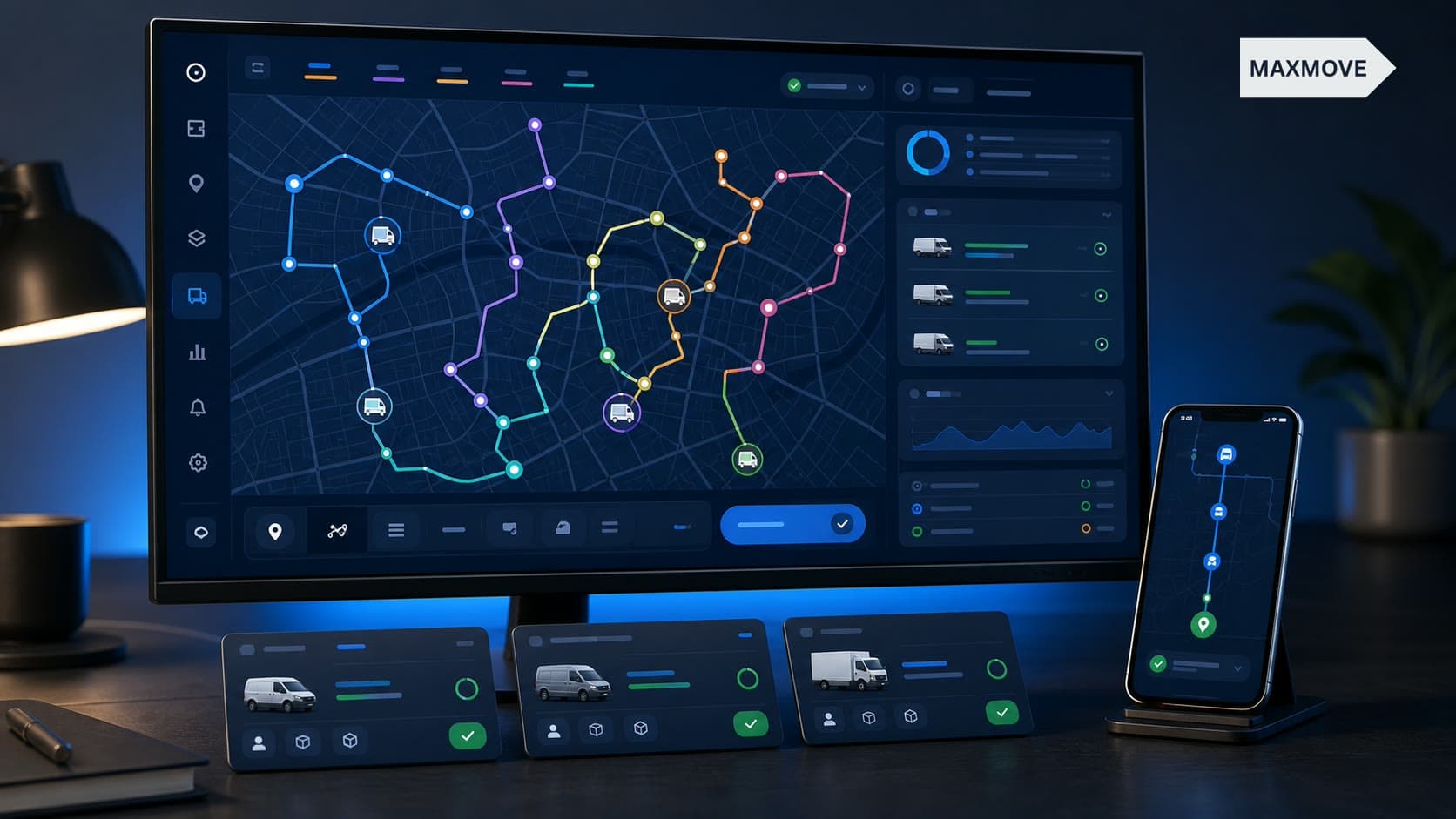
Route planning software calculates the stop order in seconds – with real driving times, time windows, and vehicle capacity. Changes are worked in on the road and reach the driver instantly in the app, navigation included. And every stop is confirmed with photo, signature, and GPS stamp. Dispatch always sees where every tour stands.
The switch – without a project
- Start in parallel: set up vehicles and drivers in the system (free at Maxmove), plan the next days alongside Excel.
- Compare one tour: run the same day's tour once by hand, once optimised – the kilometre difference is the argument.
- Roll out the driver app: drivers adopt navigation and proof of delivery fastest, in our experience.
- Switch Excel off: most companies need one to two weeks – no migration project.
Bottom line
Excel is the right start and the wrong permanent solution. If you plan, change, and prove deliveries daily, software is measurably cheaper – and starting costs nothing today. Still in the Excel phase? Download the template. Already feeling the limits? See the route planning software.